30+ MOGRTs
30+ Caption Text MOGRTs for Premiere Pro
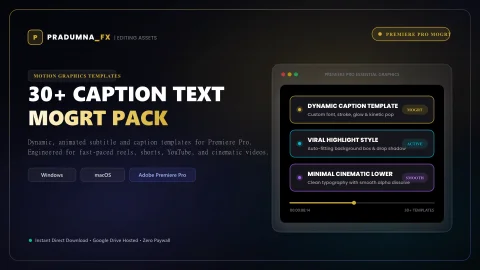
Dynamic animated caption and subtitle templates for Premiere Pro creators with full customization on Mac and Windows.
Explore animated text templates, captions, subtitles, typography, text motion graphics and creative presets for Adobe Premiere Pro. Discover resources for enhancing titles, social media videos and professional editing workflows.
Dynamic animated caption and subtitle templates for Premiere Pro creators with full customization on Mac and Windows.
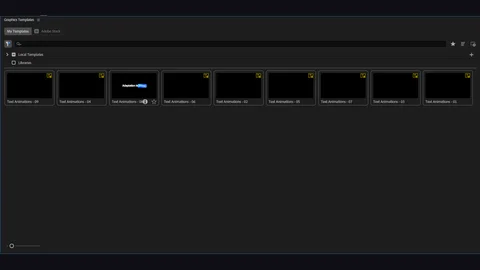
Kinetic text animation Motion Graphics Template engineered for crisp timeline titling in Premiere Pro sequences.
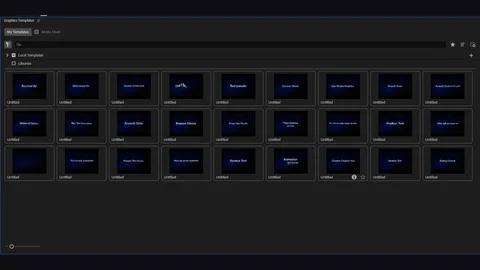
Curated collection of motion graphic text templates for versatile Premiere Pro video editing workflows.
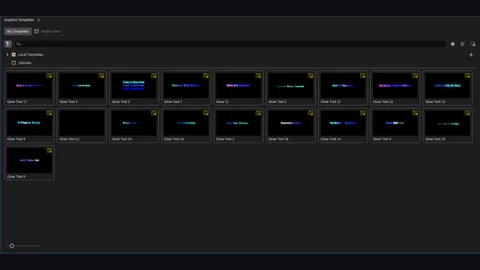
Luminous glowing text templates providing energetic optical illumination for modern digital video edits.
Animated text and backdrop Motion Graphics Template for framing typography against complex video footage.
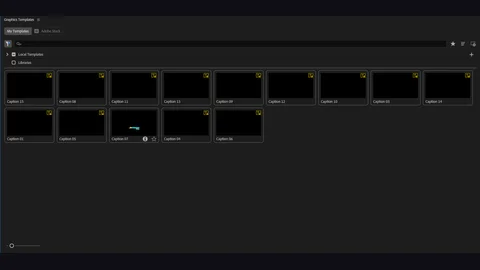
Dedicated animated caption text MOGRT collection designed for social subtitles and speech emphasis.
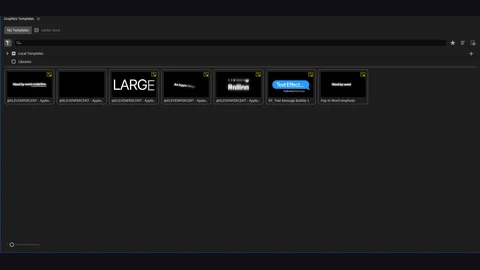
Minimalist, high-elegance typography templates inspired by Apple keynote presentations and product films.
Linear animated text reveals featuring graphic accent lines, divider bars, and precision motion typography.
Radiant glowing text effect presets engineered for drag-and-drop application to Premiere Pro titles.
Atmospheric Gaussian and directional motion blur text animation templates for moody title sequences.
Ultra-premium glass refraction and chromatic liquid dispersion text animation template for Premiere Pro.
High-energy text animations tailored for Instagram Reels, YouTube Shorts, and viral vertical video editing.
Compact animated text templates engineered for brief on-screen statements, punchlines, and focal titles.
Energetic overshoot and elastic bounce text animation template for playful, engaging video titles.
The second standalone collection of motion graphics text animations for Adobe Premiere Pro creators.
Rapid-fire typographic animations engineered for ultra-fast pacing and micro-attention video formats.
Complete scenario preset for digital creator video setups, lower thirds, and on-screen status overlays.
Dedicated bounce text Motion Graphics Template with smooth rebound physics for lively on-screen titles.
Animated infographic pie chart motion graphic template with dynamic data percentages for Premiere Pro.
Signature creator typography preset delivering stylized motion easing and polished text styling in Premiere Pro.
Dynamic EP text animation Motion Graphics Template crafted for modern episodic and video title pacing.
Comprehensive preset toolkit for Adobe Premiere Pro editors, streamlining animation, color, and text effects.
More animated text MOGRTs are coming soon. Check back weekly!
Follow these four straightforward steps to install and customize any Motion Graphics Template.
Download your desired text MOGRT pack from PRADUMNA_FX. Extract the archive to access the .mogrt template files.
Launch Adobe Premiere Pro, create or open your timeline sequence, and choose Window > Essential Graphics.
In the Browse tab, click the + button at the bottom right, or simply drag and drop your .mogrt files into the panel.
Drag the template above your footage. Switch to the Edit tab to adjust text, typography, colors, and motion timing.
Everything you need to know about downloading and utilizing Premiere Pro Text MOGRTs.