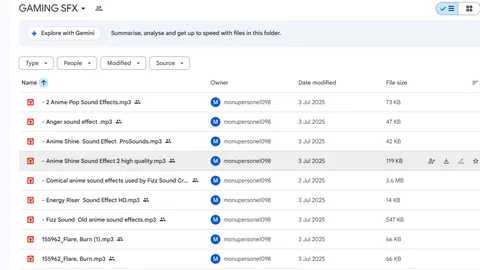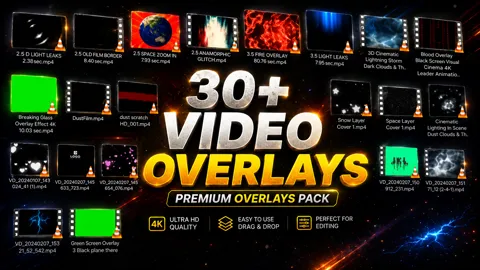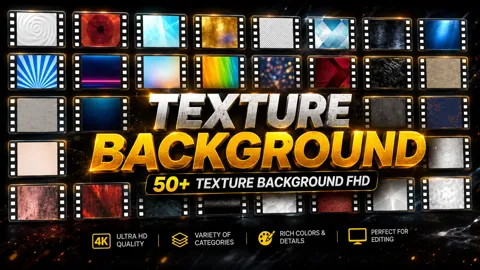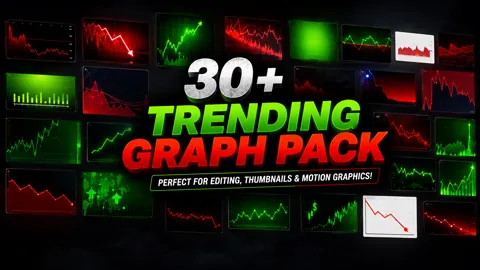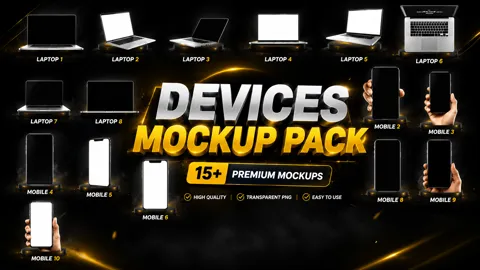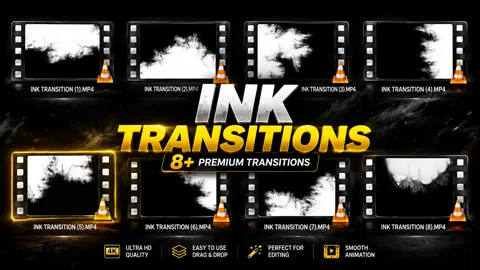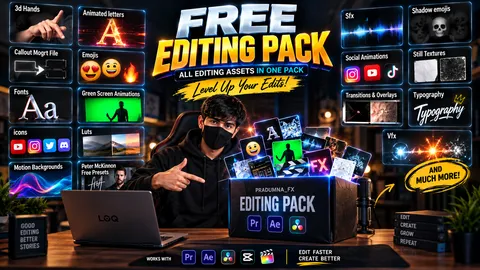
Download professionally curated editing assets for Premiere Pro, After Effects, DaVinci Resolve, CapCut and Final Cut Pro.
Get high-quality PNG packs, SFX libraries, overlays, LUTs, transitions, thumbnails, social media packs and creator resources. Everything is verified, organized and completely free.
✓ 100% Free✓ Instant Download✓ No Watermark✓ Premiere Pro✓ After Effects✓ DaVinci Resolve✓ CapCut
NEW
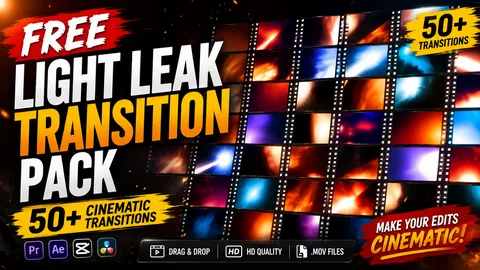
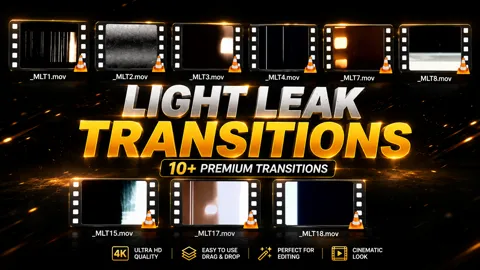
Light Leaks Transitions
50+ cinematic Light Leak transition clips for professional video editing.
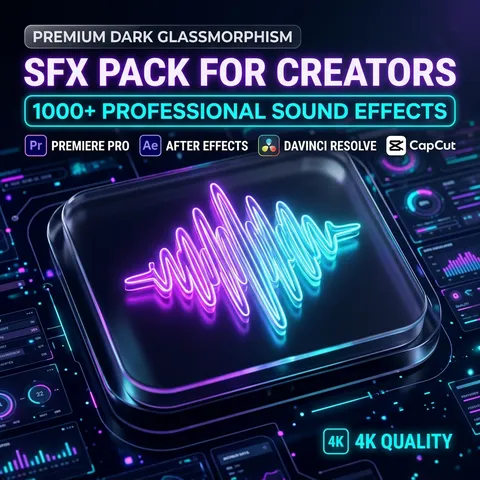
Everything Creators Need — Free, Safe & Ready to Use
PRADUMNA_FX provides professionally curated video editing assets that are free, virus-checked, regularly updated, compatible with major editing software, and suitable for personal as well as commercial projects.
Premium Quality
Every asset is meticulously hand-picked and reviewed to ensure it meets elite industry standards.
Virus Checked
All files are rigorously scanned for malware to guarantee 100% safe downloads.
Fast Downloads
Instant, frictionless access to our entire library with absolutely zero forced sign-ups.
Weekly Updates
We consistently add fresh cinematic sound effects, trendy overlays, and cutting-edge templates every single week.
Universal Compatibility
Seamlessly import our resources into Premiere Pro, After Effects, DaVinci Resolve, CapCut, and Final Cut Pro.
Commercial Use
Fully cleared and safe for use in professional client projects, corporate edits, and monetized channels.
SOFTWARE COMPATIBILITY
Supported Video Editing Software
Our assets are universally formatted to drop perfectly into timelines across all major editing platforms.
Adobe Premiere Pro
Fully compatible with our premium transition packs, video overlays, PNG packs, cinematic LUTs, motion graphics, and SFX libraries.
Adobe After Effects
Supports all ProRes alpha channel overlays, complex motion graphics scripts, visual effect plugins, and advanced compositional resources.
CapCut
Perfectly integrates with our mobile-ready vertical overlays, AI story reels, trending PNG emojis, and short-form sound effects.
DaVinci Resolve
Optimized for our high-fidelity cinematic color grading LUTs, Fairlight audio packs, and Fusion visual effect textures.
Wondershare Filmora
Easily drag and drop our transparent PNG graphics, simple MP4 light leak transitions, and basic sound design elements.
Final Cut Pro
Apple ecosystem ready. Supports all of our MOV overlays, custom LUT imports, and high-quality studio sound design packs.
Questions & Answers
Everything you need to know about our editing assets.
Where can I download free video editing assets?
You can download professional-grade free video editing assets directly from PRADUMNA_FX. Our platform offers a massive library of high-quality resources, including cinematic sound effects (SFX), PNG overlays, 4K video overlays, motion graphics, LUTs, and more. Unlike other sites, we don't lock our best content behind a paywall or force you to sign up. Every asset is manually curated by experienced video editors to ensure it meets industry standards. Whether you are creating YouTube videos, Instagram Reels, TikToks, or professional client projects, PRADUMNA_FX is your ultimate free resource hub.
What are the best free assets for Premiere Pro?
The best free assets for Adobe Premiere Pro include our premium transition packs, cinematic color grading LUTs, and high-quality sound effects (SFX). Premiere Pro editors highly value our 4K video overlays and film burns, which can be easily blended into any timeline using standard blend modes like 'Screen' or 'Linear Dodge'. Additionally, our motion graphics templates (MOGRTs) and custom text animations are optimized specifically for Premiere Pro's Essential Graphics panel, allowing for fast, seamless customization without needing to open After Effects.
Where can I find free PNG packs for YouTube thumbnails?
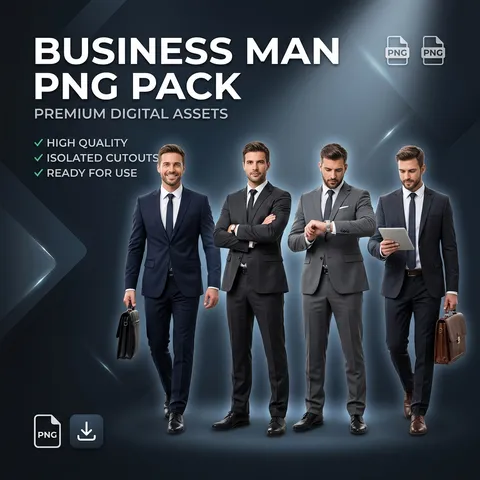
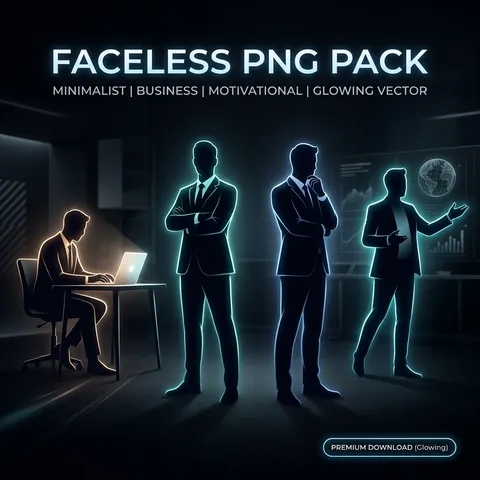
PRADUMNA_FX offers specialized, high-resolution PNG packs designed specifically for YouTube thumbnail creation. Our collections include faceless PNGs, business man reactions, 3D social media icons, Apple emojis, and detailed texture backgrounds. All images feature perfectly cut transparent backgrounds, saving you hours of masking in Photoshop. These assets are proven to increase click-through rates (CTR) by adding professional visual polish and emotional engagement to your thumbnails. They are completely free to use for monetized channels.
What are the best video overlays for CapCut?
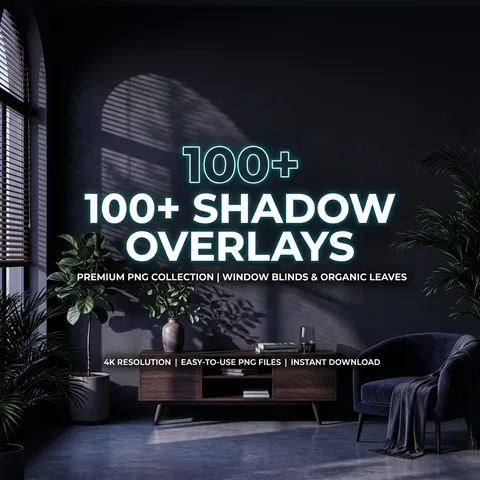
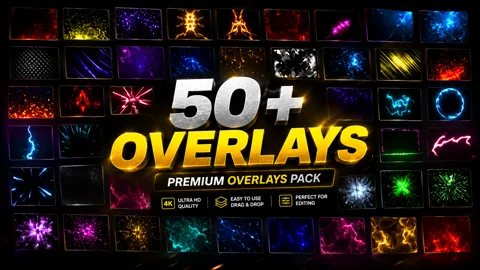
CapCut creators get the most value from our MP4 and MOV video overlays, which include light leaks, film burns, VHS glitches, and cinematic grain. Because CapCut has excellent built-in blending modes, you can easily apply these overlays to your mobile or desktop edits by setting the blend mode to 'Filter', 'Screen', or 'Lighten'. Our shadow overlays and ink transitions are also extremely popular among CapCut users for creating aesthetic, moody, and highly engaging short-form content for TikTok and Reels.
How do I use MOV video overlays in my timeline?
Using MOV video overlays is incredibly simple across all major editing software like Premiere Pro, After Effects, DaVinci Resolve, and Final Cut Pro. First, download the overlay file from our library and drag it onto your timeline on a track above your main footage. Next, navigate to your software's opacity or blending mode settings. Change the blend mode to 'Screen', 'Linear Dodge (Add)', or 'Lighten' to remove the black background and seamlessly blend the visual effect into your video. Adjust the opacity to fine-tune the intensity.
How do I import and apply LUTs for color grading?
Importing LUTs (.cube files) is a straightforward process. In Premiere Pro, open the Lumetri Color panel, go to the Creative tab, and select 'Browse' under the Look dropdown to apply your downloaded LUT. In DaVinci Resolve, place the LUT files in your designated LUT folder (accessible via Project Settings > Color Management), refresh the list, and drag the LUT onto your color node. In CapCut Desktop, use the Adjustment layer feature and select 'LUT' to import your custom color grading preset. Always adjust intensity for best results.
Do these editing assets work in DaVinci Resolve?
Yes, absolutely! DaVinci Resolve is fully compatible with our entire library of free editing assets. You can use our cinematic LUTs in the Color page for professional grading. Our 4K video overlays, light leaks, and film grains work perfectly in the Edit page using Resolve's composite modes. The sound effects (SFX) packs can be imported directly into the Fairlight page for advanced audio mixing, and our transparent PNG packs work flawlessly across all timelines. Resolve users get exceptional value from our high-resolution assets.
Do I need a commercial license to use these assets?
No, you do not need to purchase a commercial license. All video editing assets provided on PRADUMNA_FX are 100% free for both personal and commercial use. This means you can freely use our overlays, sound effects, PNGs, and LUTs in monetized YouTube videos, sponsored Instagram Reels, TikToks, freelance client projects, television broadcasts, and corporate advertisements. We provide full clearance, ensuring you never have to worry about copyright strikes or licensing fees.
Are the editing assets completely royalty free?
Yes, every single asset in our library is entirely royalty-free. Once you download an asset from PRADUMNA_FX, you can use it as many times as you want, in as many projects as you want, forever. You will never owe any royalties, recurring fees, or attribution requirements. Our goal is to empower creators by removing financial barriers, providing unlimited access to professional-grade tools that elevate your production value without the hidden costs associated with traditional stock sites.
How do I install plugins and assets?
Installation methods vary depending on the asset type. Standard media files like PNGs, MP4/MOV overlays, and WAV sound effects require no installation—simply import them directly into your editing software's media pool. For presets and LUTs, you will place them in the specific folder required by your software (e.g., Lumetri/LUTs in Premiere Pro). For After Effects scripts and plugins, you generally copy the downloaded files into your After Effects 'Plug-ins' or 'Scripts/ScriptUI Panels' directory and restart the software.
What are the best assets for Instagram Reels?
For Instagram Reels, fast-paced and highly engaging visual elements are essential. Our most popular assets for Reels include energetic sound effects (whooshes, impacts, UI clicks), dynamic pop-up PNG emojis, animated text templates, and fast camera transitions. Additionally, our '1000+ AI Story Reels Bundle' is specifically optimized for vertical formats (9:16), offering ready-to-use, faceless backgrounds and aesthetic visuals that help maximize viewer retention and algorithm reach.
What are the best editing assets for YouTube Shorts?
YouTube Shorts demand high retention rates, making our quick transition overlays, glitch effects, and high-quality sound design packs extremely effective. Creators frequently use our Apple Emoji pack and faceless PNGs to add visual hooks every 3-5 seconds. Paired with our cinematic LUTs for a polished look and our fast-paced gaming SFX, these assets help create the rapid, engaging editing style that dominates the YouTube Shorts algorithm and converts viewers into subscribers.
How do I use Light Leaks in my video edits?
Light leaks are incredibly versatile for creating organic, vintage, or dreamy transitions. To use them, import the light leak video file into your project and place it on a video track above your primary footage. Change the clip's blending mode to 'Screen' or 'Linear Dodge' to remove the dark background. For transitions, align the brightest peak of the light leak exactly over the cut between your two clips. You can also adjust the speed or color-correct the light leak to perfectly match your video's aesthetic.
How do I use PNG overlays in Premiere Pro?
Using PNG overlays in Premiere Pro is very easy. Simply drag the PNG file from your project panel onto the timeline, placing it on a track above your video clip. Because our PNGs have built-in transparency (alpha channels), the background is already removed. You can then use the Effect Controls panel to adjust the Scale, Position, and Rotation to perfectly place the asset. You can also add keyframes to animate the PNG, or apply built-in transitions like 'Cross Dissolve' for a smooth entrance.
What is the difference between video overlays and LUTs?
Video overlays and LUTs serve completely different purposes in post-production. A video overlay (like film grain, light leaks, or snow) is an actual video clip that you place on top of your footage and blend using modes like 'Screen' to add visual texture or practical effects. A LUT (Look-Up Table) is a mathematical file (.cube) that instantly alters the color and contrast data of your existing footage. Overlays add new visual elements, while LUTs grade and color-correct the footage itself.
Can I use these assets in Final Cut Pro?
Yes, Apple Final Cut Pro fully supports our editing assets. Video overlays (MOV/MP4 format) work seamlessly using FCP's composite modes located in the Inspector panel. Our universal LUTs can be applied using the built-in Custom LUT effect. Sound effects and PNG graphics can be dragged directly onto your magnetic timeline. Our resources provide Final Cut Pro editors with a massive toolkit for creating cinematic YouTube videos, documentaries, and social media content on macOS.
Are the downloads safe and virus checked?
Absolutely. The safety and security of our community is our highest priority. Every single file, script, plugin, and media asset is rigorously scanned for malware and viruses before it is uploaded to PRADUMNA_FX. We host our files on secure, high-speed servers, ensuring that your downloads are not only fast but 100% safe. We never use deceptive ad-fly links, hidden installers, or sketchy pop-ups, guaranteeing a premium and secure downloading experience.
Do I need an account to download free assets?
No, you do not need to create an account, register, or provide an email address to access our library. We believe in absolute frictionless access. Simply browse our categories, find the asset pack you need, and click download. By removing sign-up walls and subscriptions, PRADUMNA_FX ensures that editors can grab the tools they need instantly and get right back to creating amazing content without any interruptions.
How often are new free assets updated?
Our curation team updates the PRADUMNA_FX library on a weekly basis. We continuously monitor modern editing trends across YouTube, TikTok, and commercial media to ensure our resources remain relevant. Every week, we add fresh cinematic sound effects, trendy transition packs, high-resolution textures, and cutting-edge AI tools. By checking back regularly, you guarantee your editing toolkit stays updated with the absolute latest industry standards.
Are thumbnail assets included in the library?
Yes, we have a dedicated section for high-quality thumbnail assets specifically tailored for YouTube and social media creators. Our collection includes 3D rendered icons, expressive faceless PNGs, business reaction cutouts, transparent UI elements, and detailed texture backgrounds. These assets are critical for designing high-CTR (Click-Through Rate) thumbnails that stand out in crowded feeds, providing professional design elements without the need for complex Photoshop rendering.
What file formats are provided?
We provide industry-standard file formats to ensure maximum compatibility. Visual overlays and transitions are delivered in high-bitrate MP4 or MOV formats (often with ProRes alpha channels). Sound effects and audio elements are provided in high-fidelity WAV or 320kbps MP3 formats. Graphics and emojis use transparent PNG format for lossless quality. Color grading presets use the universal .cube LUT format, ensuring they work flawlessly across Premiere Pro, Resolve, and CapCut.
Do these editing assets work on Mac and Windows?
Yes, all media assets (videos, PNGs, audio, LUTs) are completely cross-platform and work identically on both macOS and Windows operating systems. The only exceptions are specific software plugins or scripts, which usually have dedicated installer versions for both Mac and Windows included in the download file. Regardless of whether you edit on an M2 MacBook Pro or a custom-built Windows PC, our library is fully accessible and optimized for your workflow.
Are there watermarks on the free downloads?
No, there are absolutely zero watermarks on any of our free assets. We provide full-resolution, uncompromised, and production-ready files. Adding watermarks defeats the purpose of providing professional editing tools. When you download a 4K light leak, a high-quality sound effect, or a complex motion graphics template from PRADUMNA_FX, you receive the clean, final version ready for immediate deployment in your highest-profile commercial and personal projects.
What are AI Story Reels and how do I use them?
AI Story Reels are pre-generated, highly aesthetic vertical video clips created using advanced artificial intelligence. They are perfect for faceless YouTube Shorts, TikToks, or Instagram Reels. You simply download the MP4 files, place them on your timeline, and overlay your own text, voiceover, or music. They save creators countless hours of generation and rendering time, providing instant, captivating background visuals that hold viewer attention in short-form content algorithms.
Can beginners use these editing assets?
Absolutely! Our assets are designed to be drag-and-drop simple, making them incredibly accessible for beginners using software like CapCut or Filmora, while maintaining the high resolution and quality demanded by professionals using DaVinci Resolve or Premiere Pro. We have structured our packs logically, and the application of elements like PNGs, SFX, and video overlays requires only basic timeline knowledge. It is the fastest way for a beginner to instantly elevate their production value.