Background MOGRT for Premiere Pro
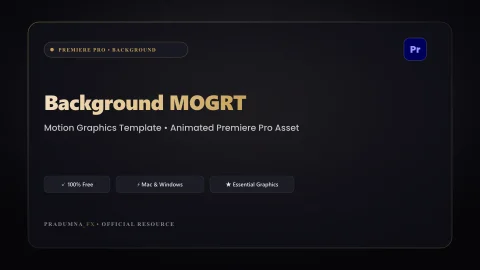
Resource Overview
DetailsThe Background MOGRT resource integrates responsive graphic backdrops and text animations in a unified Premiere Pro template. Backdrops automatically adapt to your text length, creating professional contrast behind on-screen titles over bright or busy b-roll footage.
Native Premiere Workflow
Engineered specifically for Adobe Premiere Pro's Essential Graphics panel without requiring After Effects rendering.
Full Typography Control
Adjust font selections, tracking, scale, alignment, colors, and timing directly within sequence controls.
Cross-Platform Ready
Fully verified for timeline stability across macOS (Apple Silicon & Intel) and 64-bit Windows systems.
Recommended Use Cases
Applications- ✓ Broadcast lower thirds with auto-scaling graphic backplates
- ✓ Interview subject title cards and location identifiers
- ✓ YouTube content callouts requiring high legibility
How to Install & Use
Step-by-StepDownload Archive
Click the download button above and extract your downloaded file package to your workstation drive.
Open Essential Graphics
In Adobe Premiere Pro, select Window > Essential Graphics from the top application menu bar.
Import Template
In the Browse tab, click + (Install MOGRT) or drag and drop the files directly into the panel window.
Timeline Editing
Drag the template above your video tracks and customize wording, fonts, and colors in the Edit tab.
Frequently Asked Questions
FAQGet Background MOGRT for Premiere Pro
Free direct download • No subscription or account registration required.
Download Background MOGRT