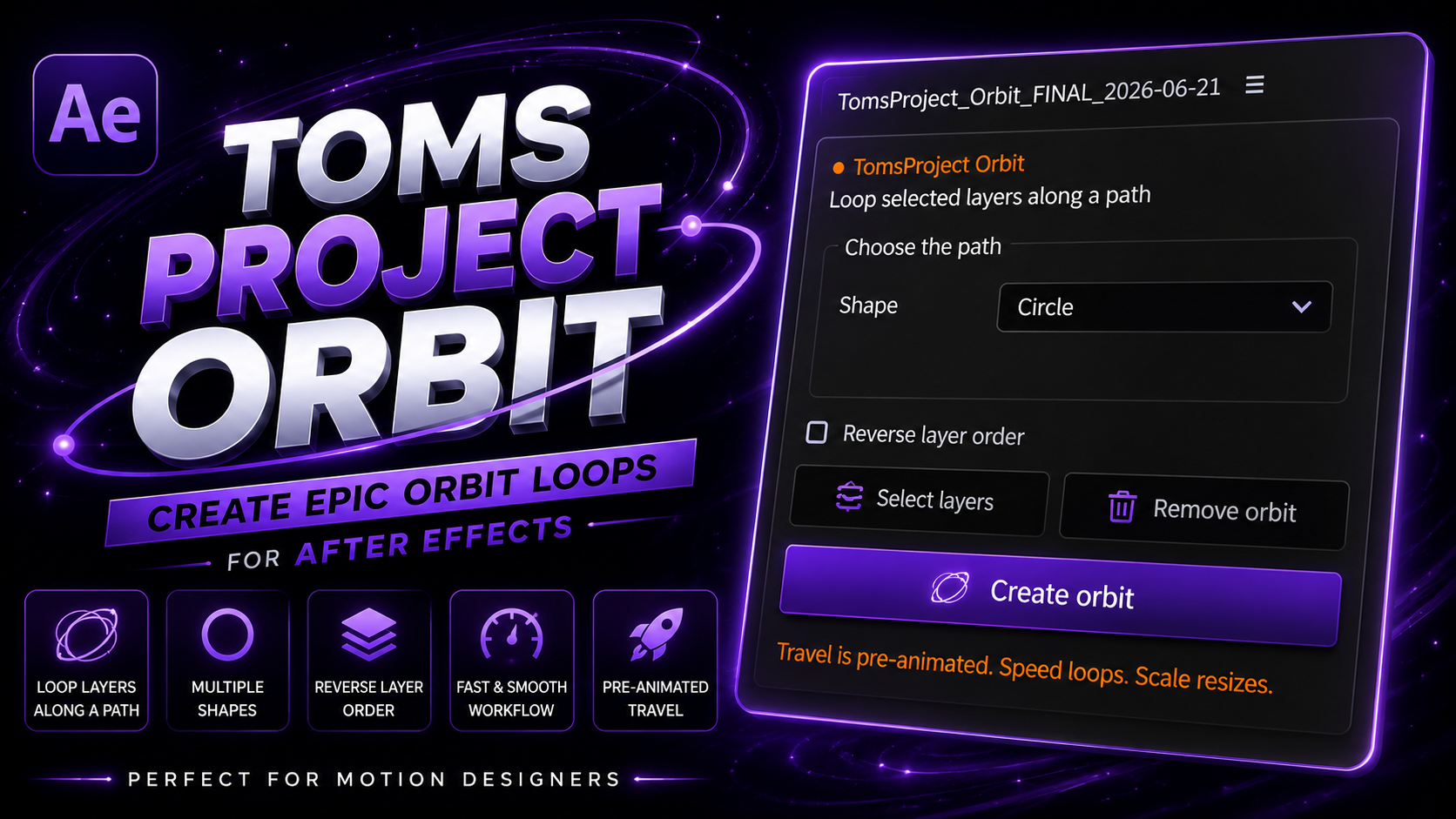
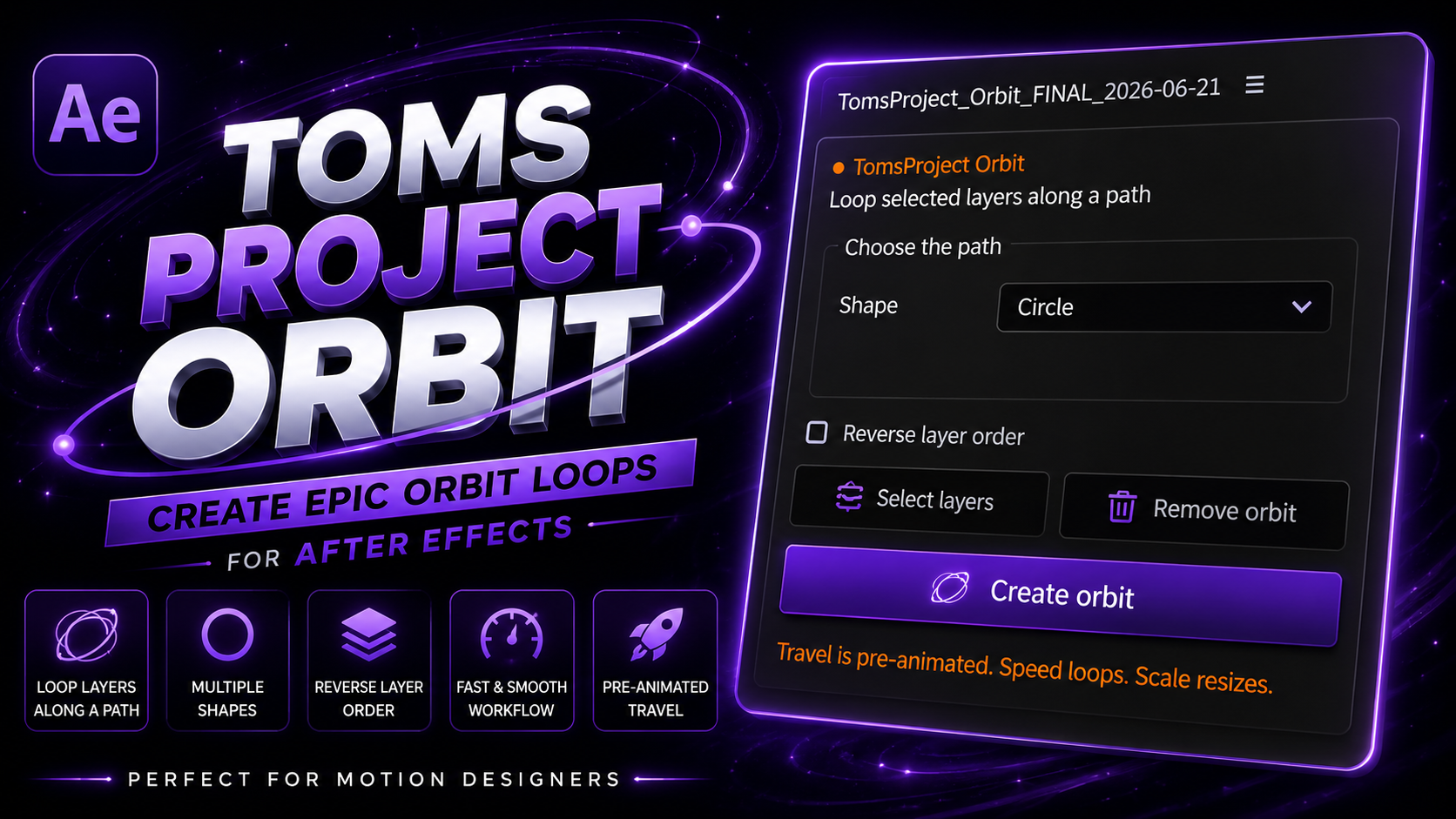
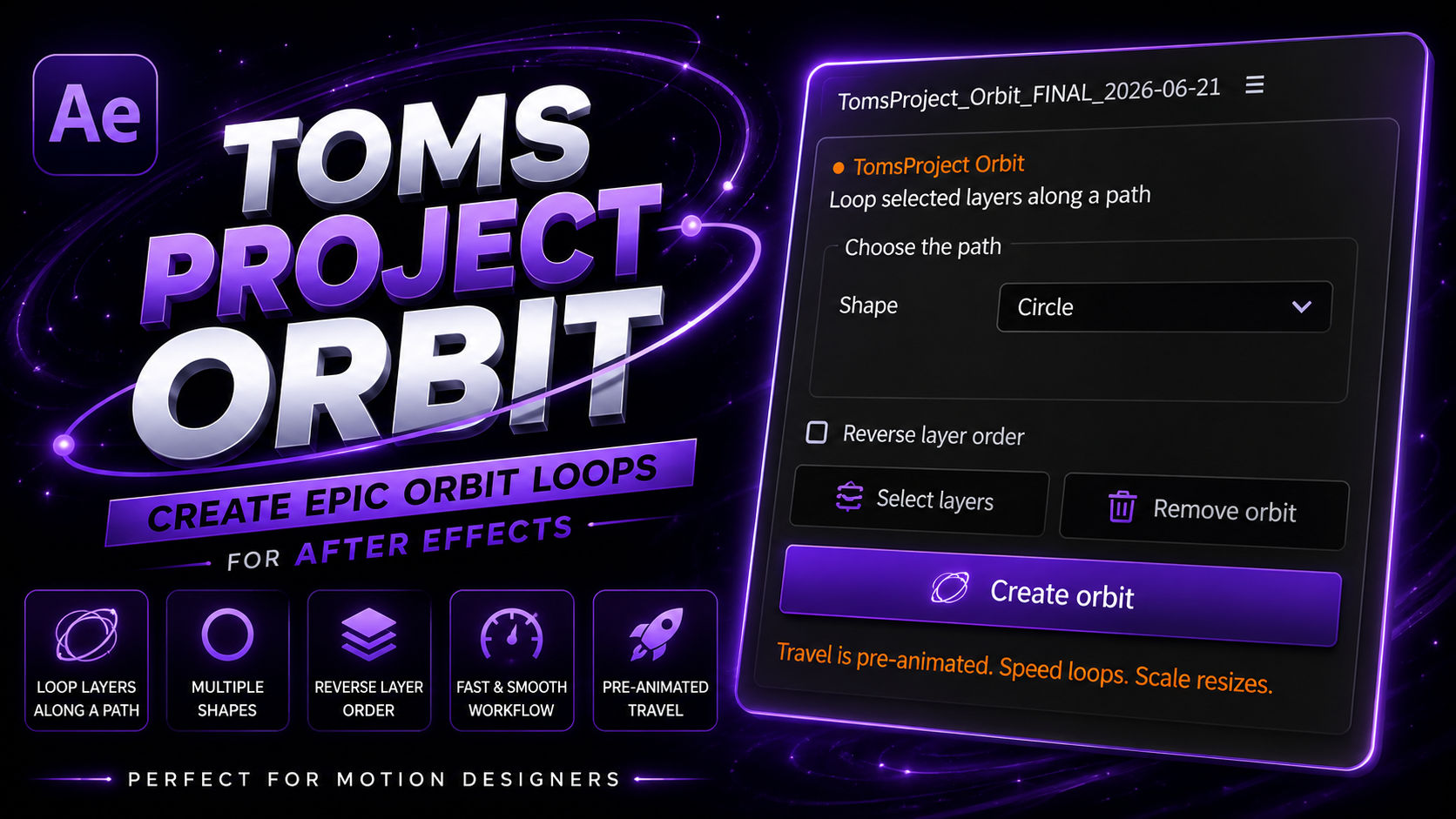
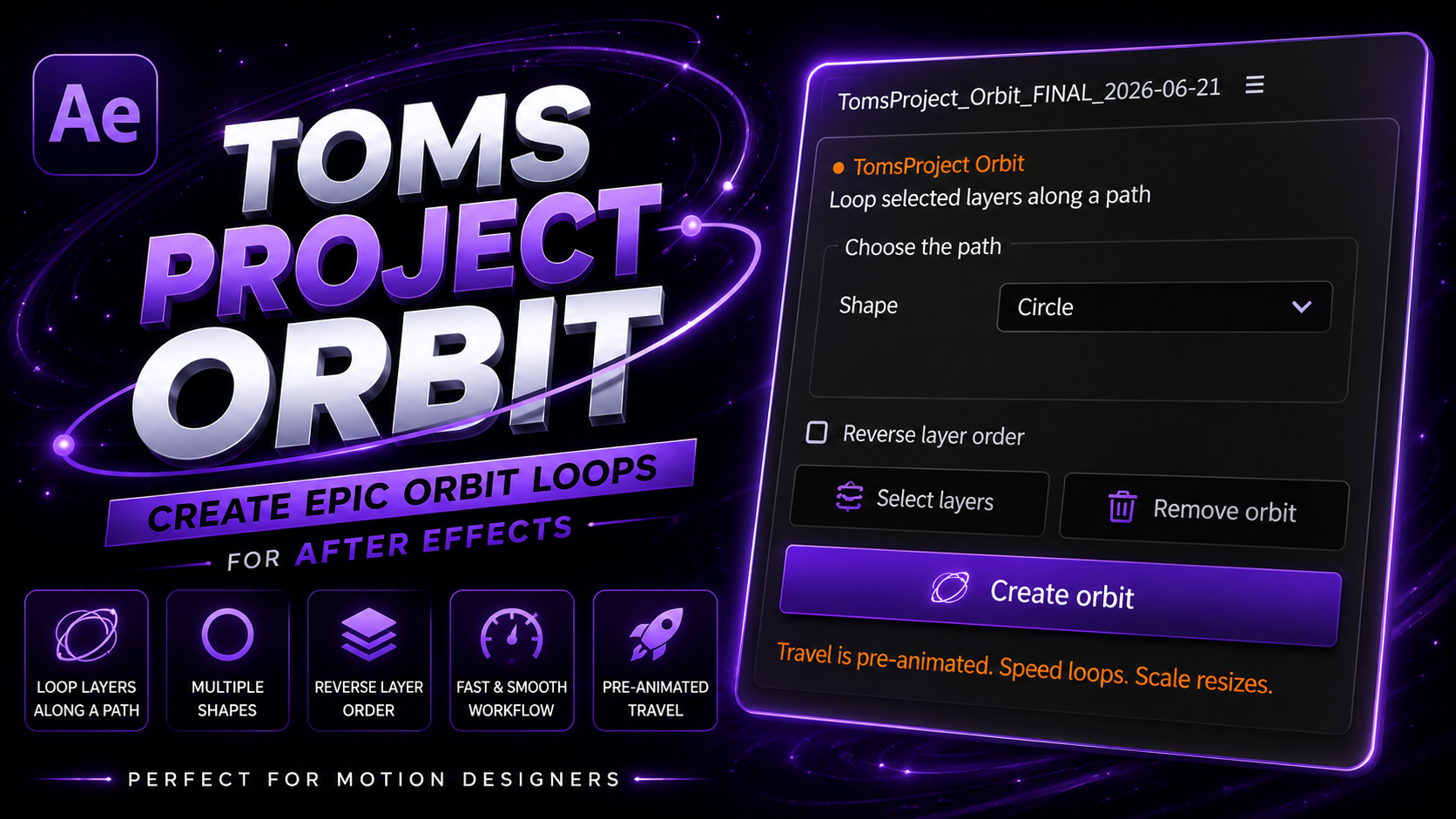
1. Introduction to Orbit Finer for After Effects
Creating circular orbiting animation patterns and 3D carousels in Adobe After Effects has traditionally required extensive mathematical trigonometry expressions like Math.sin() and Math.cos(), or placing dozens of manual keyframes across multiple null objects.
The orbit finer after effects script changes this entirely. Designed for video editors, motion graphics artists, and UI designers, it offers an intuitive single-click panel to generate perfect 2D and 3d orbit after effects rigs instantly.
Whether you need an orbit around cursor tool after effects rig, an orbit null after effects setup for camera tracking, or an orbit plugin for after effects to arrange icons in a spinning circle, Orbit Finer builds clean, expression-driven rigs with master slider controls for speed, radius, and tilt.
2. Key Features Breakdown
Orbit Finer includes a full suite of motion controls tailored for professional After Effects workflows:
One-Click Orbit Animation
Select any set of layers, click 'Create Orbit', and instantly generate circular rotational paths around a central anchor point.
Automatic Carousel Motion
Distribute elements evenly along a 3D spinning carousel path with auto-orient facing options for text and icons.
Fully Customizable Radius
Expand or contract the orbit radius dynamically on X, Y, and Z axes using intuitive master null sliders.
Editable Rotation Speed
Control orbit speed, acceleration, and spin direction without creating single keyframes on individual child layers.
Supports Text Layers
Orbit live typography seamlessly. Edit copy, font styles, and kerning dynamically while maintaining circular motion.
Supports Vector Shape Layers
Ideal for orbiting vector icons, logos, badge emblems, and geometric shapes around central product HERO assets.
Integrate orbit null after effects controls to attach cameras, lights, and complex child hierarchies.
Generate seamless 360-degree loop cycles ideal for social media reels, GIFs, and continuous UI presentations.
Adjust motion curves easily on a single master speed property instead of editing hundreds of individual keyframes.
3. Why Use Orbit Finer for After Effects?
Manual keyframing for circular paths is notoriously slow and inflexible. If a client requests adding a fifth icon to a 4-icon orbit ring, manual setups require recalculating angles and repositioning every keyframe from scratch.
Here is how Orbit Finer streamlines your production workflow:
- Zero Trigonometry Math: No need to write complex sine and cosine expressions.
- Dynamic Auto-Spacing: Automatically distributes any number of layers evenly around the orbit ring.
- Real-Time Radius Controls: Expand or tilt the orbit ring using live sliders without breaking parent links.
- 100% Free & Lightweight: Native expression architecture ensures high-speed RAM previews and zero extra VRAM overhead.
4. Manual Keyframing vs Automated Orbit Finer Rigs
Comparing traditional keyframing with Orbit Finer highlights massive efficiency gains for professional animators:
Requires creating parent nulls for every layer, calculating 360/N degrees manually, setting endless rotation keyframes, and re-doing the entire composition whenever layer counts change.
1-click automated setup. Dynamically auto-spaces layers, exposes single master null speed and radius controls, and updates instantly when new layers are added to the composition.
5. Real-World Use Cases
The orbit animation after effects workflow created by Orbit Finer applies to a wide range of commercial projects:
Orbit feature icons, floating tech specs, or particle rings around 3D product renders.
Build high-engagement 3D carousel motion for social media openers and stories.
Animate orbiting channel badges, subscriber counters, and video intro titles.
Spin glowing energy streaks or brand sub-elements around central corporate logo marks.
Build interactive-feeling 3D card carousels for mobile app previews and SaaS landing page videos.
Orbit UI avatars, notification badges, and widgets around phone mockup displays.
What's Included in the Download
6. Step-by-Step Installation Guide
Follow these 5 simple steps to install Orbit Finer for After Effects:
Step 1: Download Package
Click the download button above to retrieve the Orbit Finer ZIP archive from PRADUMNA_FX.
Step 2: Extract ZIP File
Unzip the downloaded archive to access the Orbit_Finer.jsx script file.
Step 3: Copy Script to ScriptUI Panels
Move Orbit_Finer.jsx into your After Effects ScriptUI Panels directory:
- Windows:
C:\Program Files\Adobe\Adobe After Effects [Version]\Support Files\Scripts\ScriptUI Panels\ - macOS:
/Applications/Adobe After Effects [Version]/Scripts/ScriptUI Panels/
Step 4: Enable Scripting Preferences
Open After Effects, navigate to Preferences > Scripting & Expressions, and check "Allow Scripts to Write Files and Access Network".
Step 5: Restart After Effects
Relaunch After Effects, navigate to the Window menu, and select Orbit Finer to open the dockable panel.
7. Compatibility Overview
Orbit Finer is fully tested across modern operating systems and After Effects releases:
 AE 2020, 2021, 2022, 2023, 2024, 2025, 2026+
8. Tool Comparison Matrix
Detailed feature breakdown comparing manual keyframing against Orbit Finer:
| Feature / Metric | Orbit Finer for After Effects ★ | Manual Orbit Keyframing |
|---|---|---|
| Setup Speed | Instant (1-Click) | 15 to 30 Minutes |
| Auto-Spacing Layers | Automatic (Dynamic Math) | Manual Angle Calculation |
| Radius Customization | Live Master Slider Control | Reposition Every Keyframe |
| 3D Camera Support | Full Native Camera Support | Complex 3D Rigging Required |
| Keyframe Clutter | Zero (Expression Driven) | Hundreds of Keyframes |
| Performance & Speed | 60fps Real-Time Preview | Slow & Prone to Errors |
9. People Also Ask (10 PAA Questions)
10. Frequently Asked Questions
Why Download From PRADUMNA_FX
Related Guides & Articles
How to Install AE Scripts
Complete beginner guide to installing .jsx and .jsxbin panels in After Effects.
Best Free AE Plugins
Top 10 free After Effects extensions and scripts every editor should own.
Scripts vs Plugins
Understanding the differences between AE scripts, extensions, and native C++ plugins.