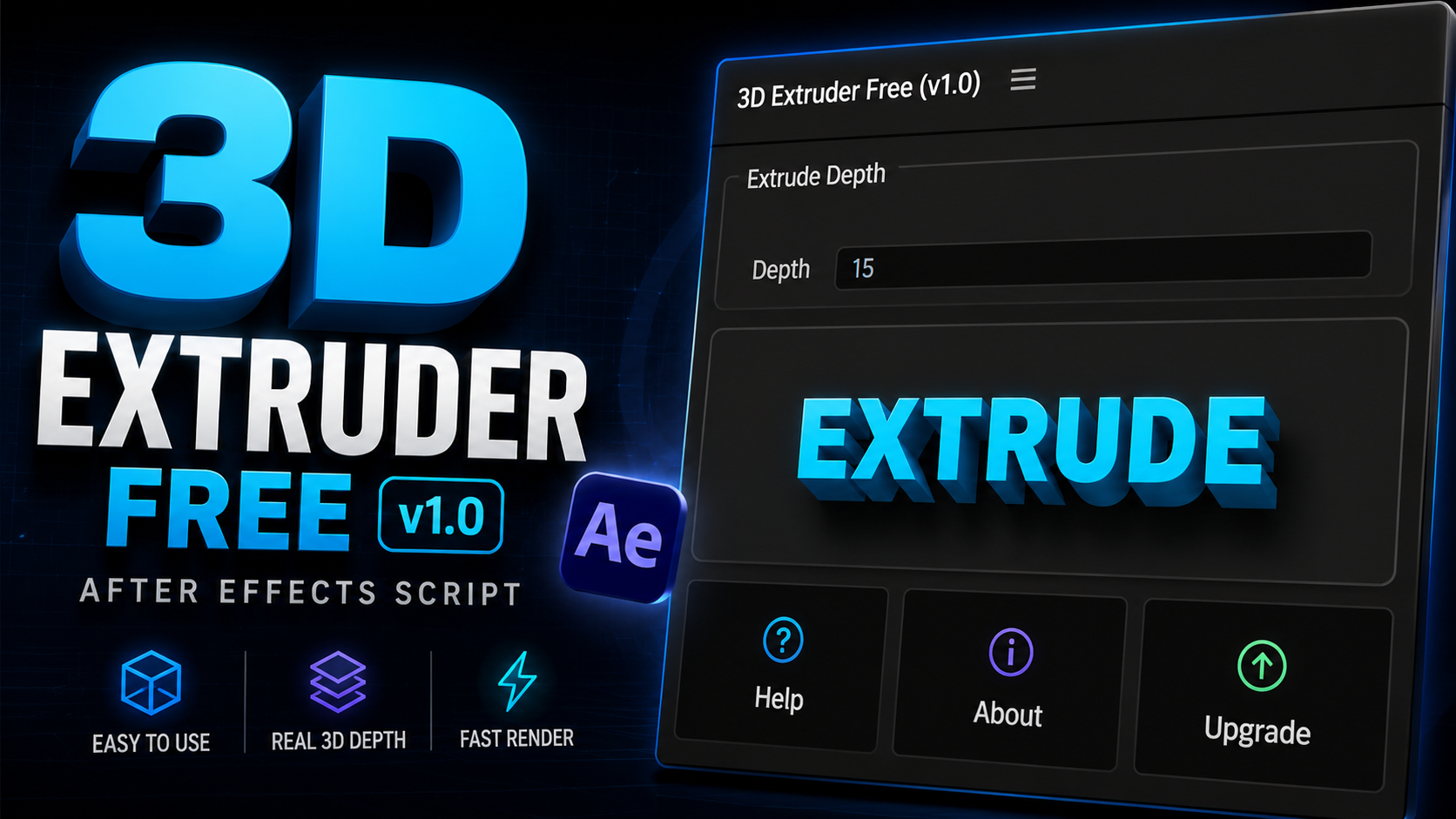
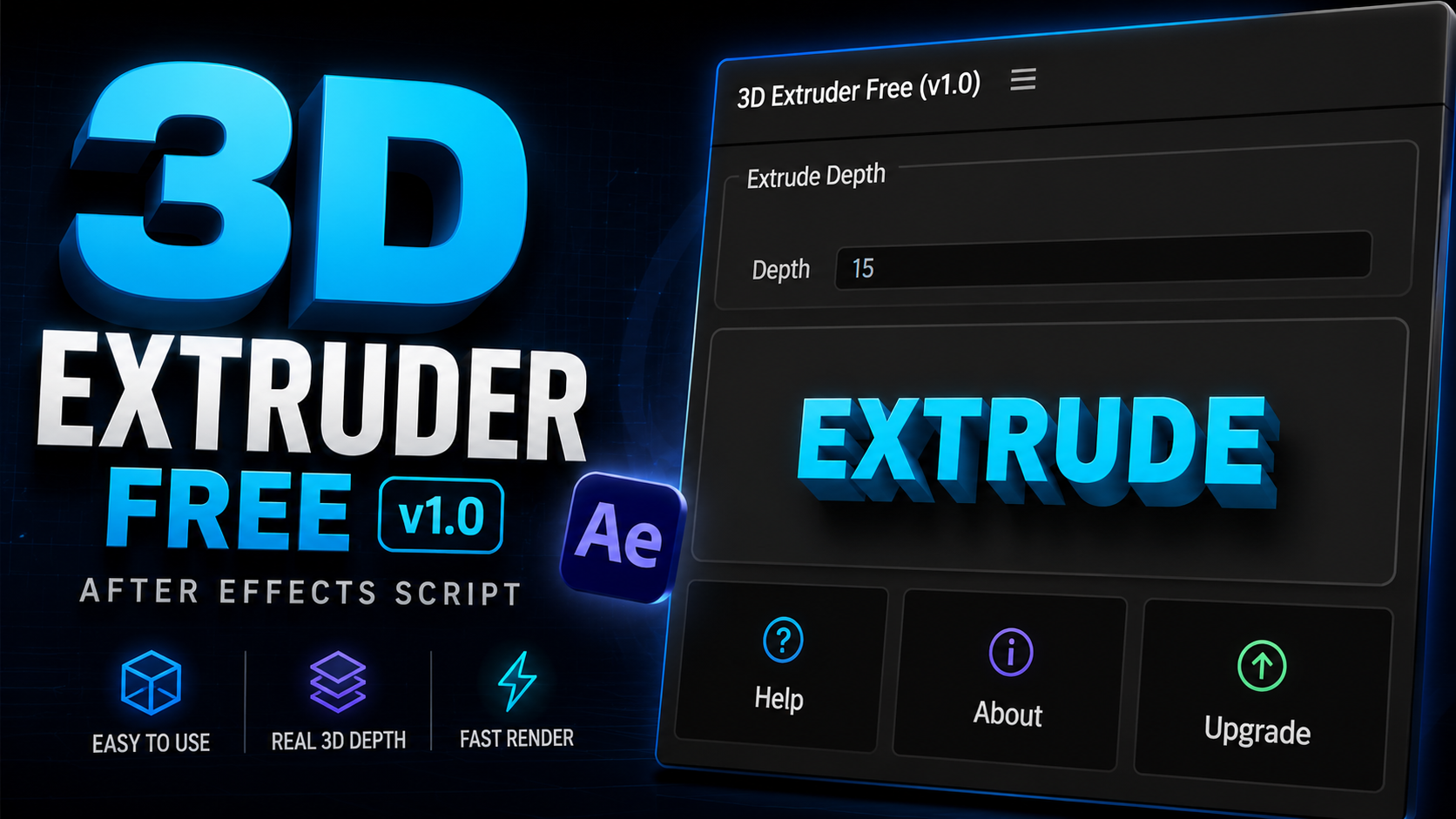
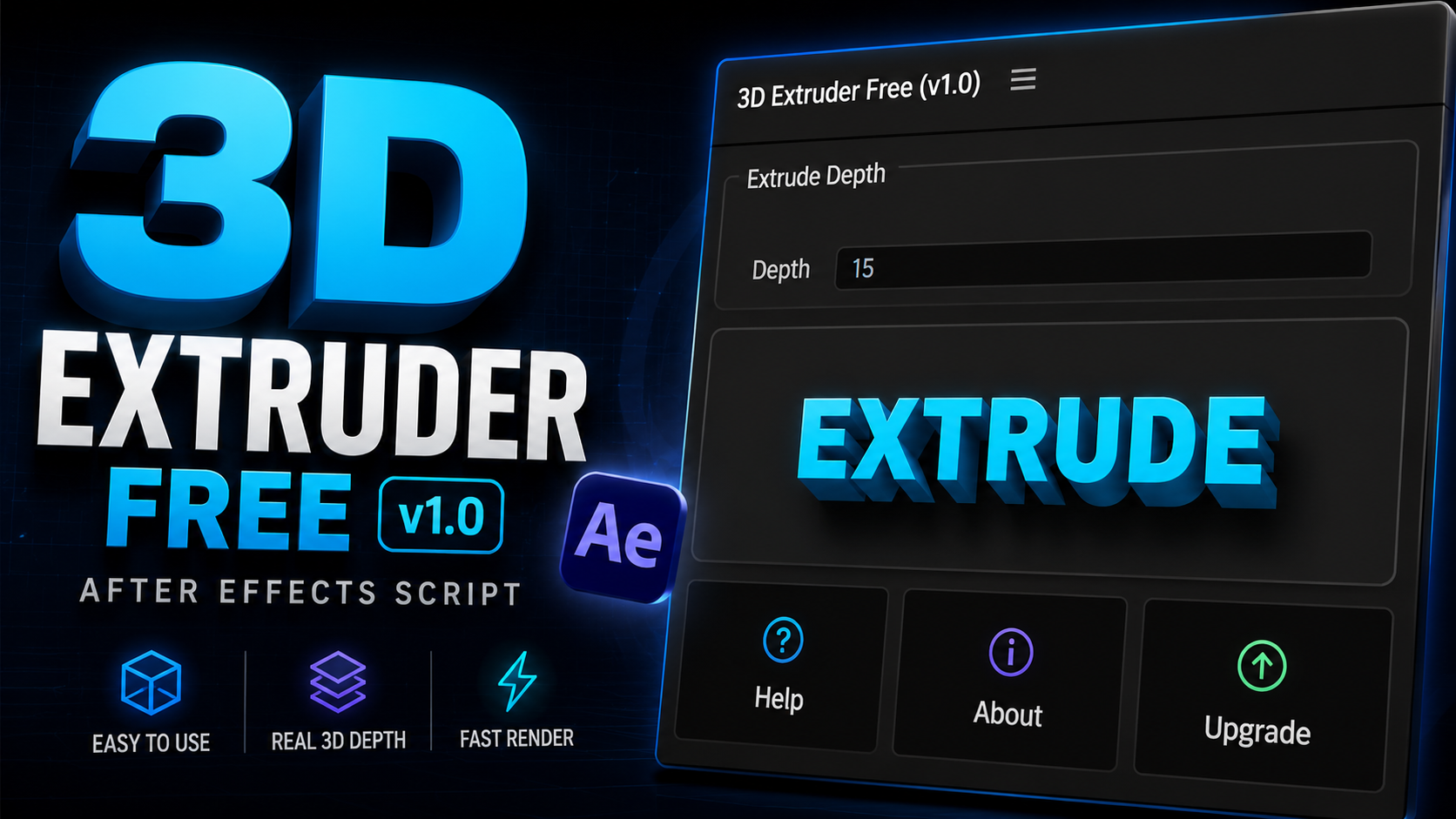
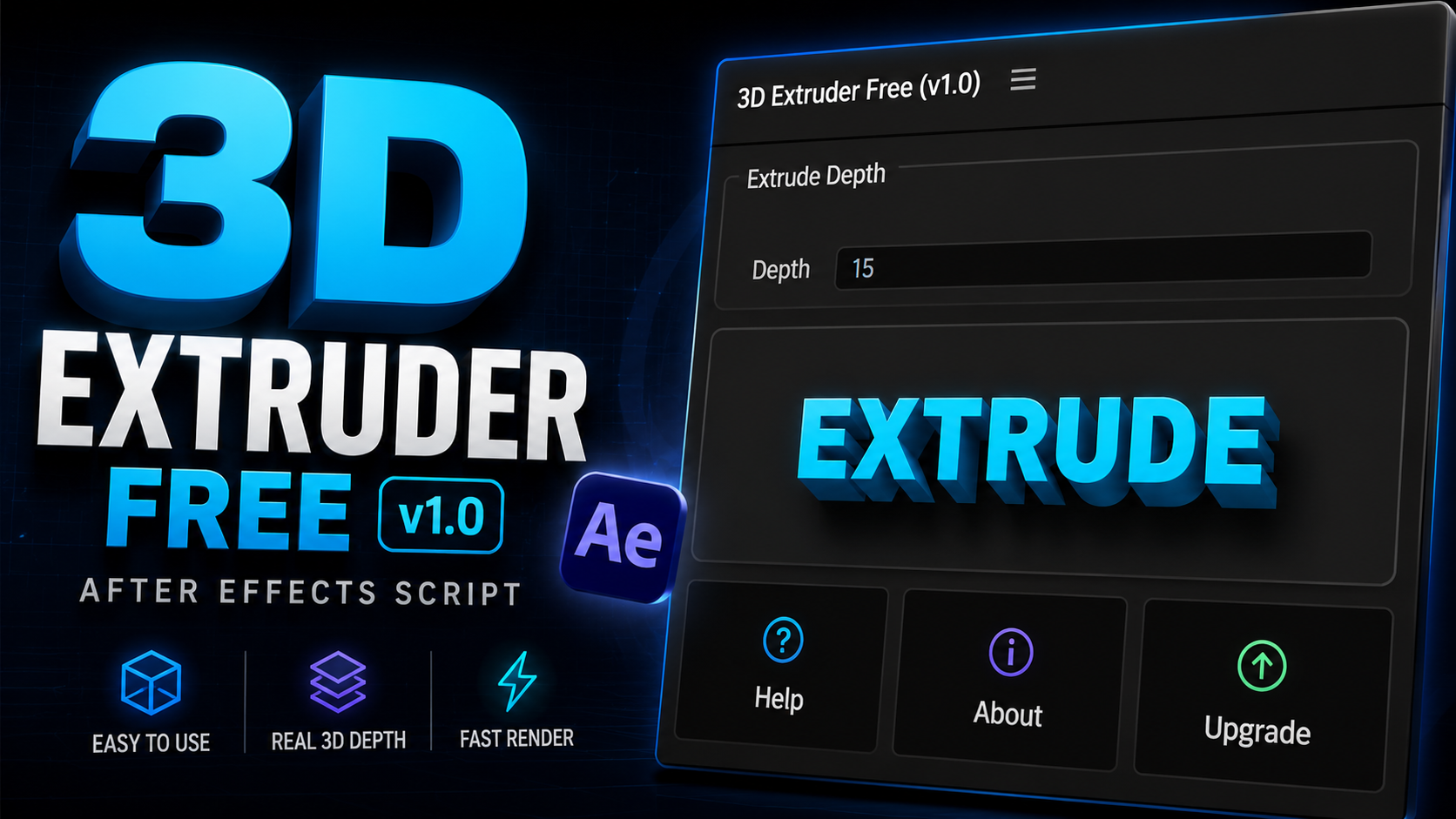
1. Introduction to 3D Extruder Free AE Script
Motion design aesthetics have evolved rapidly, with 3D elements, volumetric depth, and realistic camera perspectives taking center stage in modern video editing and visual effects.
However, traditional 3D workflows inside Adobe After Effects often present steep learning curves, expensive third-party plugin requirements, or sluggish timeline playback. The 3d extruder free ae script bridges this gap by offering a streamlined, automated 3d extruder free download for mac and Windows solution that enables artists to generate genuine 3D geometry directly from 2D layers inside After Effects.
Instead of manually stacking dozens of duplicate layers or relying on heavy GPU-bound external render engines, 3d extruder free ae automates the extrusion math. With a single click inside its native ScriptUI panel, your text typography, vector logos, and shape paths gain customizable depth along the Z-axis while staying completely linked to After Effects camera motion, depth of field, and lighting systems.
2. Key Features
The script packs professional-grade 3D extrusion features into an clean, responsive ScriptUI panel interface:
One-Click 3D Extrusion
Select any live text layer, vector shape, or pre-composition and click 'Extrude' to build complete 3D depth instantly without manual layer duplicating.
True 3D Geometry
Generates real depth geometry fully recognized by native After Effects cameras, light sources, and environmental shadows.
Tri-Axis Depth Offset
Control extrusion distance, bevel intensity, and Z-space positioning independently across X, Y, and Z coordinates.
Live Text & Shape Support
Extrude live typography without converting text to outlines first. Edit your copy or vector paths at any time while retaining full 3D depth.
Lightweight Script Engine
Built purely with native After Effects expression architecture for maximum stability, fast RAM previews, and minimal memory usage.
Centralized Master Controller
Every generated 3D object links to a master null controller equipped with custom slider controls for instant depth, color, and shading adjustments.
3. Why Use 3D Extruder Free AE Script?
Creating compelling 3D motion graphics directly inside After Effects often forces editors to choose between two undesirable extremes: using complex 3D software suites that disrupt the 2D workflow, or spending hours manually rigging pseudo-3D stack setups.
Here is why motion designers choose 3d extruder free after effects:
- No External Rendering: Lives right inside your AE timeline without exporting OBJ files.
- Native Camera Support: Responds accurately to orbits, zooms, and depth of field.
- Non-Destructive Workflows: Modify fonts, vector paths, and colors dynamically.
- 100% Free Forever: Full commercial freedom without subscriptions or watermark limits.
4. Real 3D vs Fake Extrusion: The Technical Difference
Understanding the distinction between traditional layer stacking and true geometric extrusion is critical for professional motion design quality.
Duplicates 2D layers 50 to 100 times, shifting each copy 1px back in Z-space. This approach rapidly bloats timeline layer counts, causes severe RAM bottlenecks, breaks when viewed from extreme camera angles, and prevents clean light shading.
Utilizes smart mathematical expressions and unified parent rigging. Generates clean side-wall geometry, connects caps dynamically, and exposes slider controls on a single master null layer for 60fps preview responsiveness.
5. Key Benefits for Motion Designers
Integrating 3d extruder free mac and Windows into your everyday After Effects toolset delivers noticeable workflow improvements:
Turn a 30-minute manual 3D rigging task into a 2-second single click.
Avoid cluttering compositions with hundreds of duplicate layers; keep timelines organized with clean master controllers.
When a client requests copy or font changes, update the source text once and the entire 3D object updates automatically.
Add glow plugins like Deep Glow or motion blur scripts effortlessly inside native AE compositing pipelines.
6. Real-World Use Cases
The 3d extruder free ae script excels across a wide variety of post-production and motion graphics applications:
Create bold 3D movie titles with realistic depth, specular highlights, and camera fly-throughs.
Instantly convert flat corporate vector SVG logos into metallic 3D brand assets.
Build multi-layered 3D user interface cards, holographic panels, and futuristic HUD displays.
Craft eye-catching 3D thumbnail text and thumbnail graphics that boost click-through rates.
Render thick, punchy 3D lower thirds and scorebug graphics for live sports or news broadcasts.
What's Included in the Download
7. Step-by-Step Installation Guide
Follow these steps to install 3d extruder free ae script on Windows or macOS:
Download Package
Click the download button above to get the 3D Extruder Free ZIP archive from PRADUMNA_FX.
Extract Files
Unzip the archive file to access the 3D_Extruder.jsx script file.
Copy to ScriptUI Panels Folder
Copy 3D_Extruder.jsx into your After Effects installation directory:
- Windows:
C:\Program Files\Adobe\Adobe After Effects [Version]\Support Files\Scripts\ScriptUI Panels\ - macOS:
/Applications/Adobe After Effects [Version]/Scripts/ScriptUI Panels/
Enable Scripting Preferences
Open After Effects, navigate to Preferences > Scripting & Expressions, and check "Allow Scripts to Write Files and Access Network".
Launch & Extrude
Restart After Effects, locate 3D Extruder at the bottom of the Window menu, and dock the panel into your workspace.
8. Performance & Engine Optimization
One of the core design goals behind 3d extruder free v1.0 was maintaining top-tier playback performance. The script utilizes optimized mathematical expressions that evaluate efficiently during playback without bogging down CPU threads.
9. Compatibility Overview
Tested and verified across modern operating systems and Adobe application builds:
 After Effects CC 2018 - CC 2026+
10. Tool Comparison Matrix
How does 3d extruder free ae script compare to other popular 3D tools and plugins available for Adobe After Effects?
| Feature / Metric | 3D Extruder Free AE Script ★ | Element 3D | AE3D / Built-in C4D | 3D Extruder Plus |
|---|---|---|---|---|
| Price | 100% Free | $199.95 | Included with AE | Paid / Premium |
| Primary Focus | Fast 2D-to-3D Extrusion | Heavy 3D OBJ & Materials | Cinema 4D Integration | Advanced Bevel Geometry |
| Learning Curve | Instant (1-Click) | Moderate to High | High | Low to Moderate |
| Timeline Speed | Ultra-Fast (Native AE) | Fast (GPU-Dependent) | Slow (Ray-Traced C4D) | Fast |
| Live Text Editing | Yes (Dynamic) | Requires Custom Text Path | Yes | Yes |
| Camera Support | Native AE Cameras | Native AE Cameras | Native AE Cameras | Native AE Cameras |