AtomX Extension Latest Version for After Effects & Premiere Pro
What is AtomX?
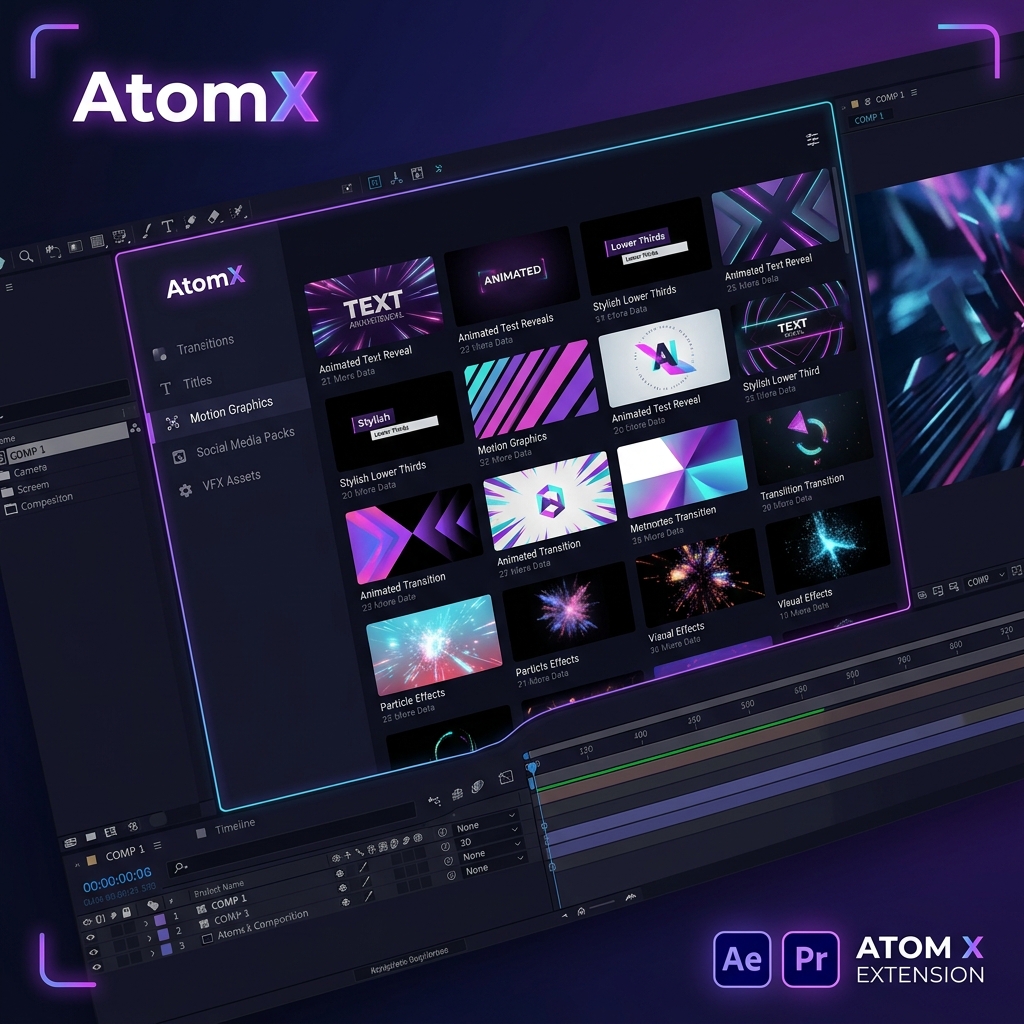
AtomX is one of the most powerful workflow extensions available for Adobe After Effects and Premiere Pro. It allows creators to browse, preview, install, and use professional transitions, titles, motion graphics, presets, social media packs, VFX assets, and creative templates directly inside Adobe applications.
AtomX helps editors save time, improve workflow efficiency, and create professional content much faster.
AtomX is a professional extension ecosystem designed for Adobe After Effects and Premiere Pro users. It acts as a centralized marketplace and management panel where creators can access thousands of creative assets, motion graphics templates, transitions, titles, lower thirds, social media packs, VFX elements, logo animations, overlays, presets, and workflow tools.
The extension integrates directly into Adobe software, allowing users to browse and apply assets without leaving their editing environment.
Key Features
- ✅ Live Preview System: Preview animations, transitions, titles, motion graphics, and templates before applying them to projects.
- ✅ One Click Apply: Import templates and assets directly into timelines with a single click — no manual dragging or importing needed.
- ✅ Huge Asset Ecosystem: Supports thousands of templates including Titles, Transitions, Social Media Packs, Logo Reveals, Motion Graphics, VFX Assets, Sound Effects, Overlays, and Presets.
- ✅ Resolution Independent: Works perfectly with 720p, 1080p, 1440p, 4K UHD, Vertical Reels, YouTube Shorts, and Instagram Stories.
- ✅ Easy Customization: Users can easily edit Colors, Fonts, Duration, Timing, Animations, and Layouts without advanced motion design skills.
- ✅ Workflow Optimization: Reduces editing time significantly through centralized asset management and direct project integration.
- ✅ Offline Usage: Installed packages remain usable even without internet access.
Why Use AtomX?
AtomX is ideal for professionals and creatives who need to produce high-quality content efficiently:
- YouTubers — Add polished intros, outros, and transitions in seconds.
- Video Editors — Access a vast library of assets without switching apps.
- Freelancers — Deliver client projects faster with professional-grade templates.
- Motion Designers — Explore and apply curated motion graphics templates instantly.
- Social Media Managers — Create platform-specific content with ready-made social media packs.
- Agencies — Streamline team workflows with a centralized asset management system.
- Content Creators — Produce polished, professional videos without complex setups.
Instead of manually importing dozens of files, AtomX keeps everything organized inside one powerful extension panel.
How to Install AtomX
Getting started with AtomX is quick and straightforward:
- Download: Click the Download button below and save the file to your system.
- Extract: Unzip the downloaded archive using WinRAR or macOS Archive Utility.
- Install: Run the installer or copy the extension into your Adobe CEP extensions folder (
C:\Program Files\Adobe\Adobe After Effects [version]\Support Files\Plug-ins). - Launch: Open After Effects or Premiere Pro, go to Window → Extensions → AtomX to open the panel.
- Browse & Apply: Browse the asset library, preview items, and click to apply them directly to your timeline.
Compatibility
- Adobe After Effects CC 2018 / 2019 / 2020 / 2021 / 2022 / 2023 / 2024
- Adobe Premiere Pro CC 2018 / 2019 / 2020 / 2021 / 2022 / 2023 / 2024
- Windows 10 / Windows 11
- macOS (all supported versions)
Frequently Asked Questions
🔗 Related Resources
Gallery