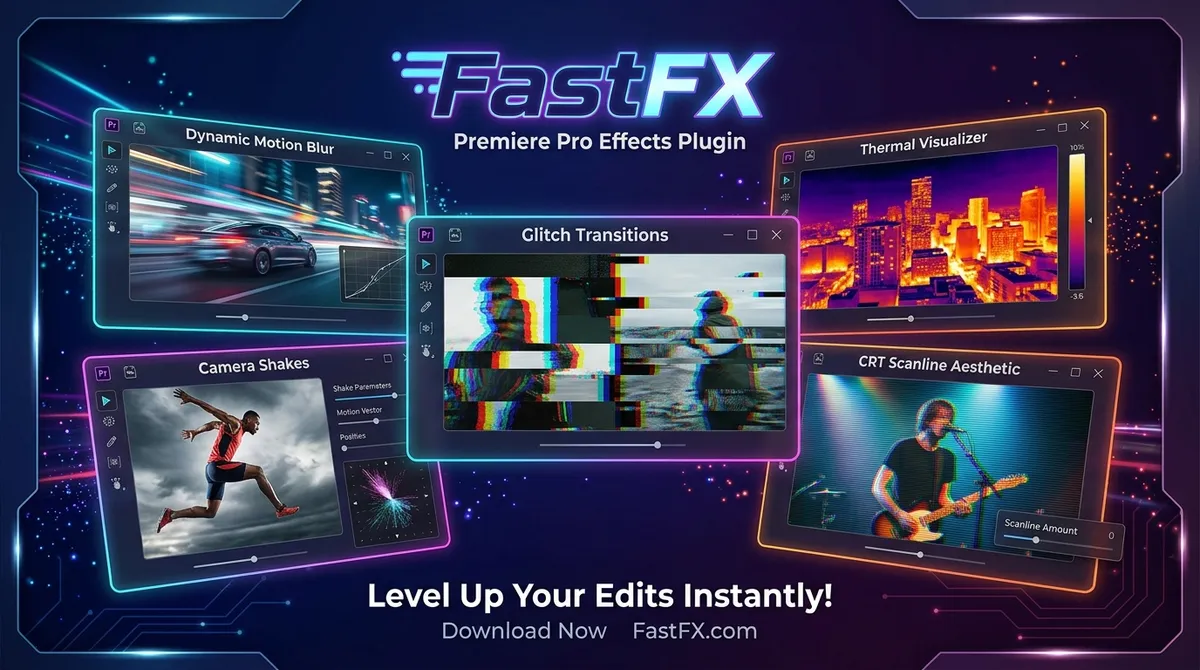
FastFX™ — Premiere Pro Effects Plugin
FastFX is a Premiere Pro effects toolkit built for fast, high-energy editing workflows, offering hits, shakes, wipes, flashes, transitions, CRT-style effects, t
Plugin Capabilities & Architecture
Designed to streamline motion graphics, eliminate redundant manual steps, and provide rock-solid timeline performance.
One-Click Execution
Instantly applies effects or automates layer setups without manual keyframing.
Technical Requirements & Compatibility
Verified compatibility metrics for production environments.
Frequently Asked Questions
Common answers regarding licensing, installation, and workflow integration.
Is FastFX™ — Premiere Pro Effects Plugin completely free to use?
Yes, FastFX™ — Premiere Pro Effects Plugin is provided 100% free of charge for both personal and commercial motion design projects on PRADUMNA_FX.
Which versions of Adobe Premiere Pro are supported?
FastFX™ — Premiere Pro Effects Plugin is verified compatible with Adobe Premiere Pro CC 2019 through CC 2024 on supported operating systems.
How do I install FastFX™ — Premiere Pro Effects Plugin?
Follow our guided installation section above: extract the downloaded archive, move the files to your application directory, enable script permissions if required, and restart the host app.
FastFX™ — Premiere Pro Effects Plugin
Download this verified creative asset immediately. Clean package, instant delivery, zero signup required.
Related Plugins & Scripts