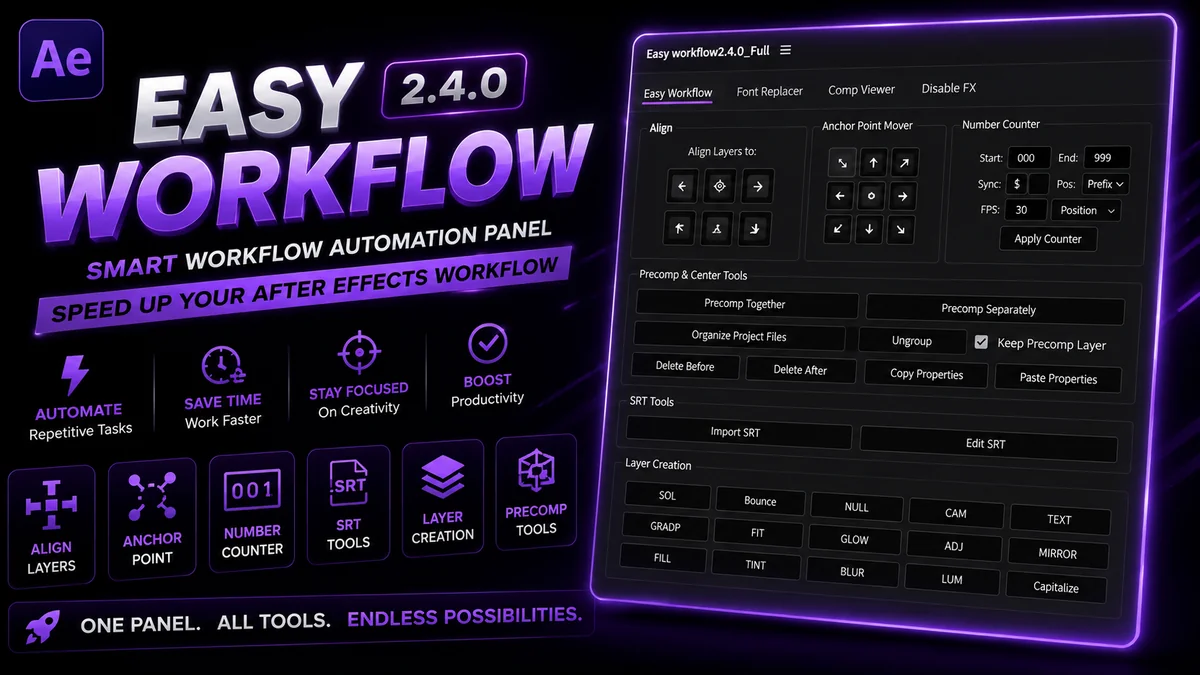
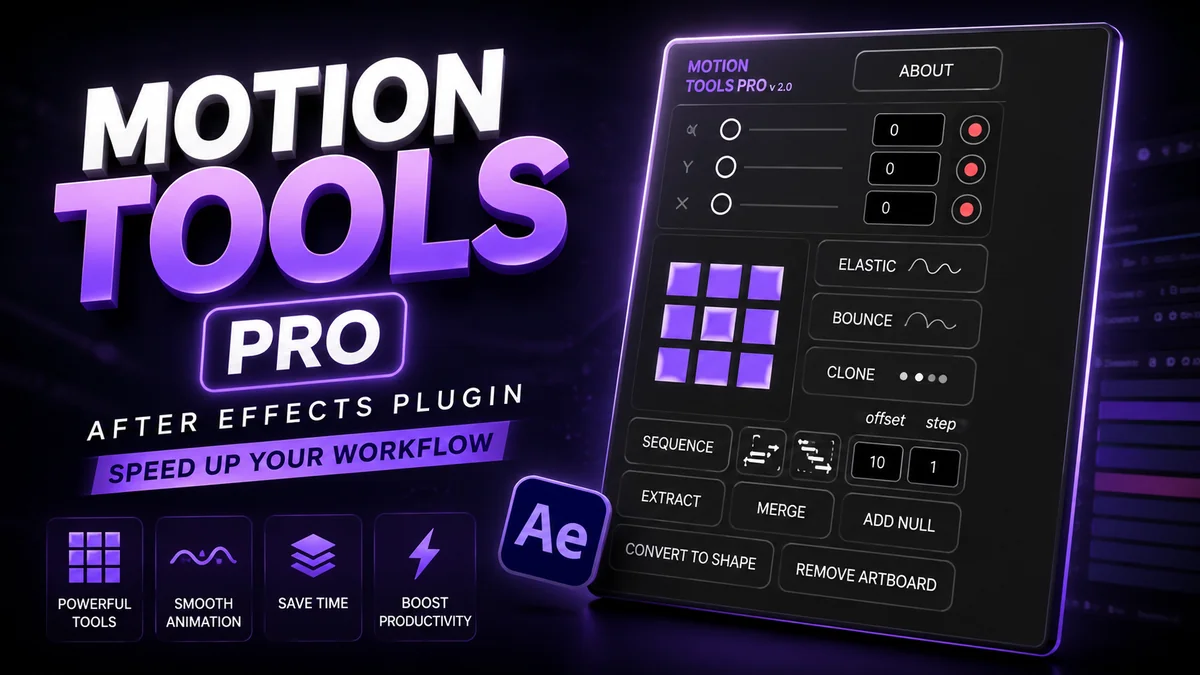
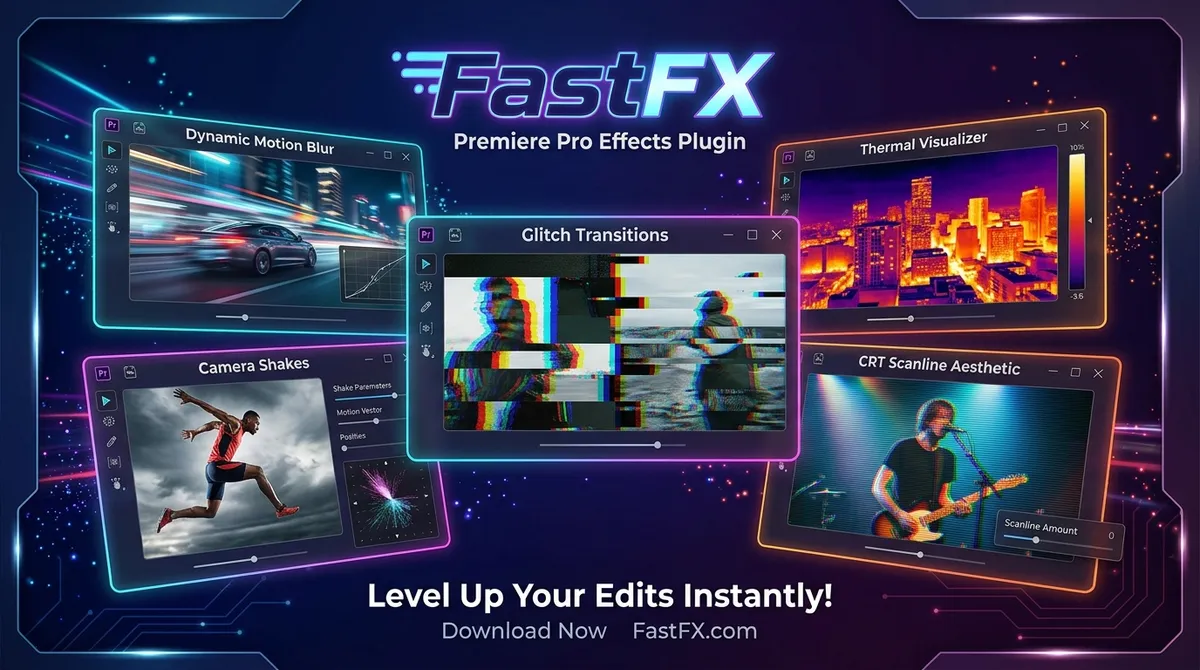
Auto Caption Styles Pack – Professional Subtitle Workflow
In the fiercely competitive landscape of short-form content, grabbing reader attention and retaining it requires extremely dynamic visual stimulation. One of th
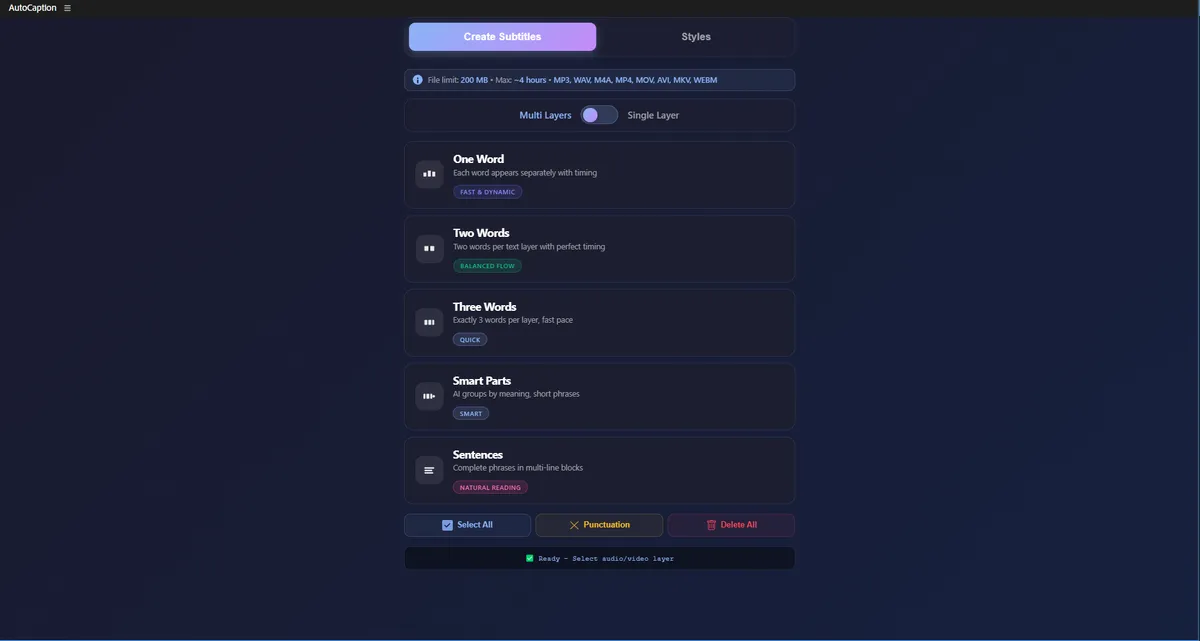
Plugin Capabilities & Architecture
Designed to streamline motion graphics, eliminate redundant manual steps, and provide rock-solid timeline performance.
Dynamic Kinetic Animation
Text layers inherently bounce, scale, and snap into place organically through complex pre: coded expression mathematics.
Installation & Setup Procedure
Follow these verified steps to integrate Auto Caption Styles Pack – Professional Subtitle Workflow into your Adobe After Effects environment.
Download & Import:
Download & Import: Download the source archive and import the core project file or MOGRT files directly into your primary video editing timeline.
Drag to Timeline:
Drag to Timeline: Take the modular sequences and drag them into the video layer sitting above your main footage.
Modify Text:
Modify Text: Double-click the composition or utilize the "Essential Graphics" panel to quickly replace the placeholder copy with your actual transcript.
Sync Audio:
Sync Audio: Slide the distinct text animation blocks laterally on your timeline to ensure the "pop" perfectly matches the syllables spoken in the audio track.
Default Installation Directories
C:\Program Files\Adobe\Adobe After Effects [Version]\Support Files\Scripts\ScriptUI Panels
/Applications/Adobe After Effects [Version]/Scripts/ScriptUI Panels
Technical Requirements & Compatibility
Verified compatibility metrics for production environments.
Frequently Asked Questions
Common answers regarding licensing, installation, and workflow integration.
Is Auto Caption Styles Pack – Professional Subtitle Workflow completely free to use?
Yes, Auto Caption Styles Pack – Professional Subtitle Workflow is provided 100% free of charge for both personal and commercial motion design projects on PRADUMNA_FX.
Which versions of Adobe After Effects are supported?
Auto Caption Styles Pack – Professional Subtitle Workflow is verified compatible with Adobe After Effects CC 2019 through CC 2024 on supported operating systems.
How do I install Auto Caption Styles Pack – Professional Subtitle Workflow?
Follow our guided installation section above: extract the downloaded archive, move the files to your application directory, enable script permissions if required, and restart the host app.
Auto Caption Styles Pack – Professional Subtitle Workflow
Download this verified creative asset immediately. Clean package, instant delivery, zero signup required.
Related Plugins & Scripts