Trim Path Script – After Effects Utility ⚡
Description
Trim Path is a lightweight and efficient script for Adobe After Effects that allows you to quickly add trim path animations to your layers.
This tool automatically applies trim paths and generates keyframes in a single click, saving time and reducing manual work.
It is especially useful for motion designers working with shape layers and animations that require smooth path reveals.
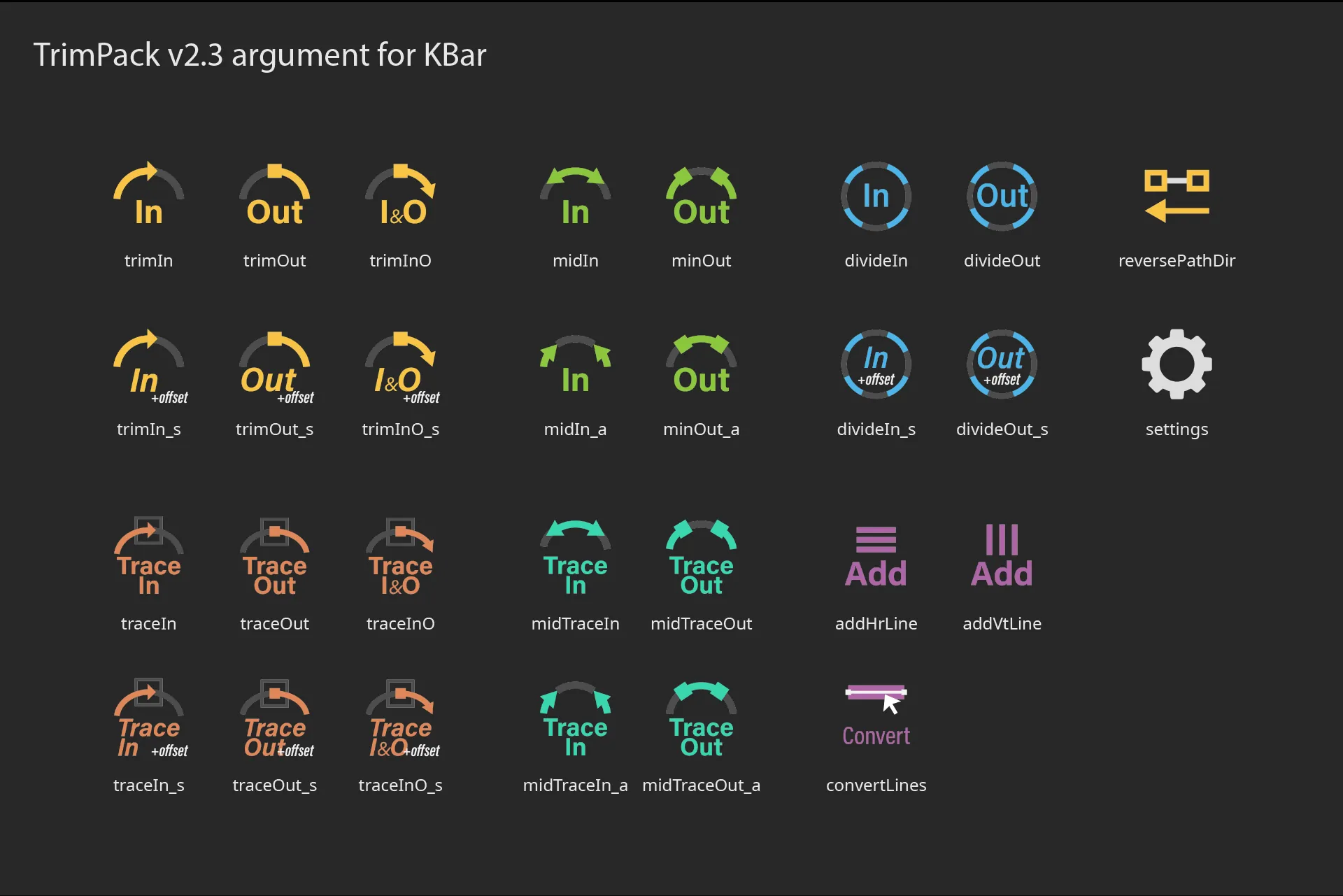
The script also supports KBar arguments, making it even more powerful for advanced workflows and automation.
Perfect for speeding up repetitive animation tasks while maintaining precision and control.
Key Features
- One-Click Workflow: Instantly add trim paths and keyframes without navigating deep menus.
- Multi-Layer Support: Apply animations to multiple selected layers simultaneously.
- KBar Integration: Fully compatible with KBar for a fast and customizable toolbar setup.
- Precise Control: Maintains full control over your stroke animations and timing.
- Lightweight & Fast: Optimized script that won't slow down your After Effects performance.
How to Use Trim Path Script
Speed up your animation process with these simple steps:
- Import: Drag the script file into your After Effects 'Scripts' folder.
- Select: Highlight the shape layers you want to animate in your composition.
- Run: Execute the script from the 'File > Scripts' menu or your KBar panel.
- Animate: Watch as the trim paths are automatically added and keyframed for you.
🔗 Related Resources
Gallery