JerryFlow V2 – Advanced After Effects Plugin 🚀
Description
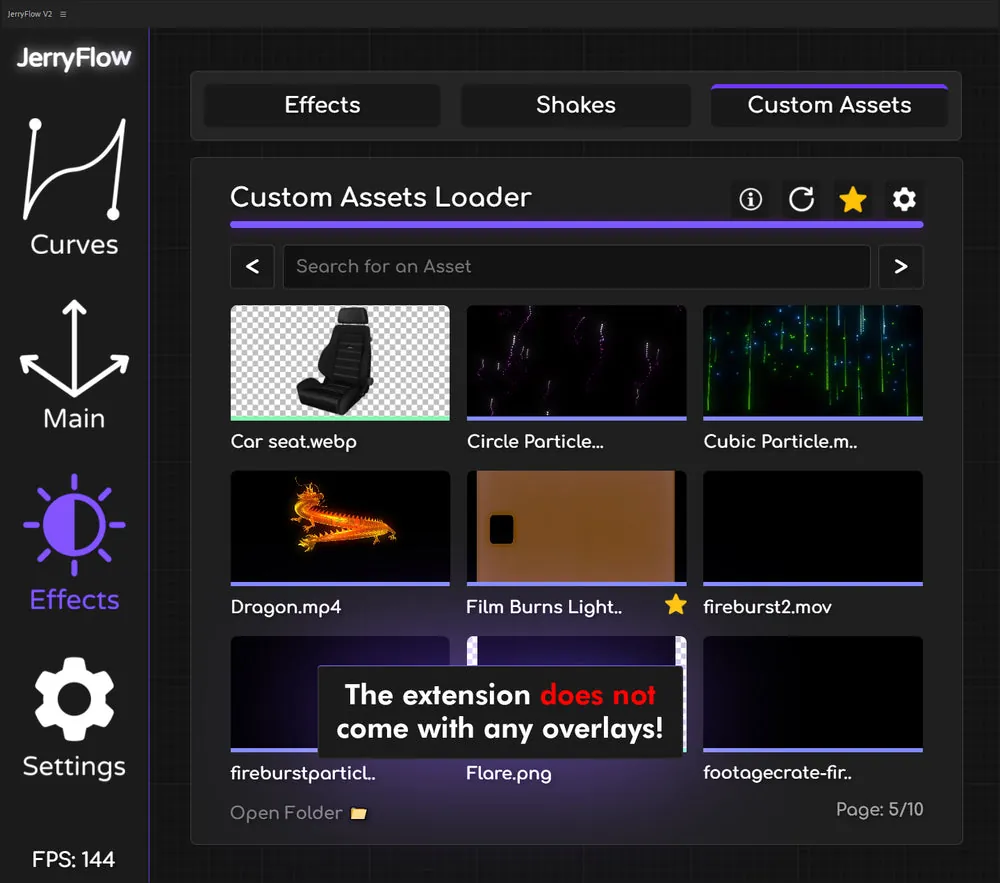
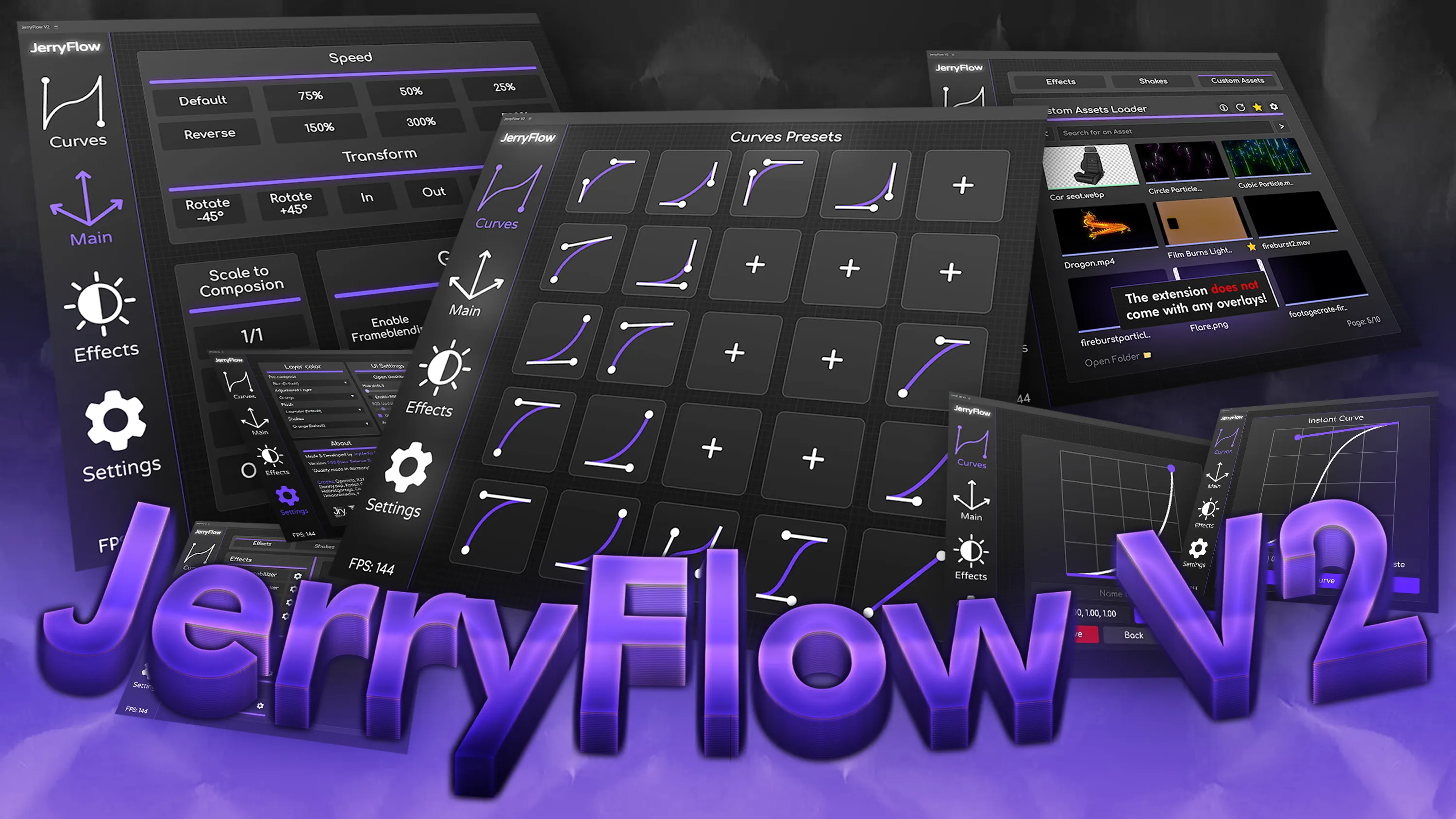
JerryFlow V2 is the ultimate extension for Adobe After Effects, building upon the foundation of the original JerryFlow script.
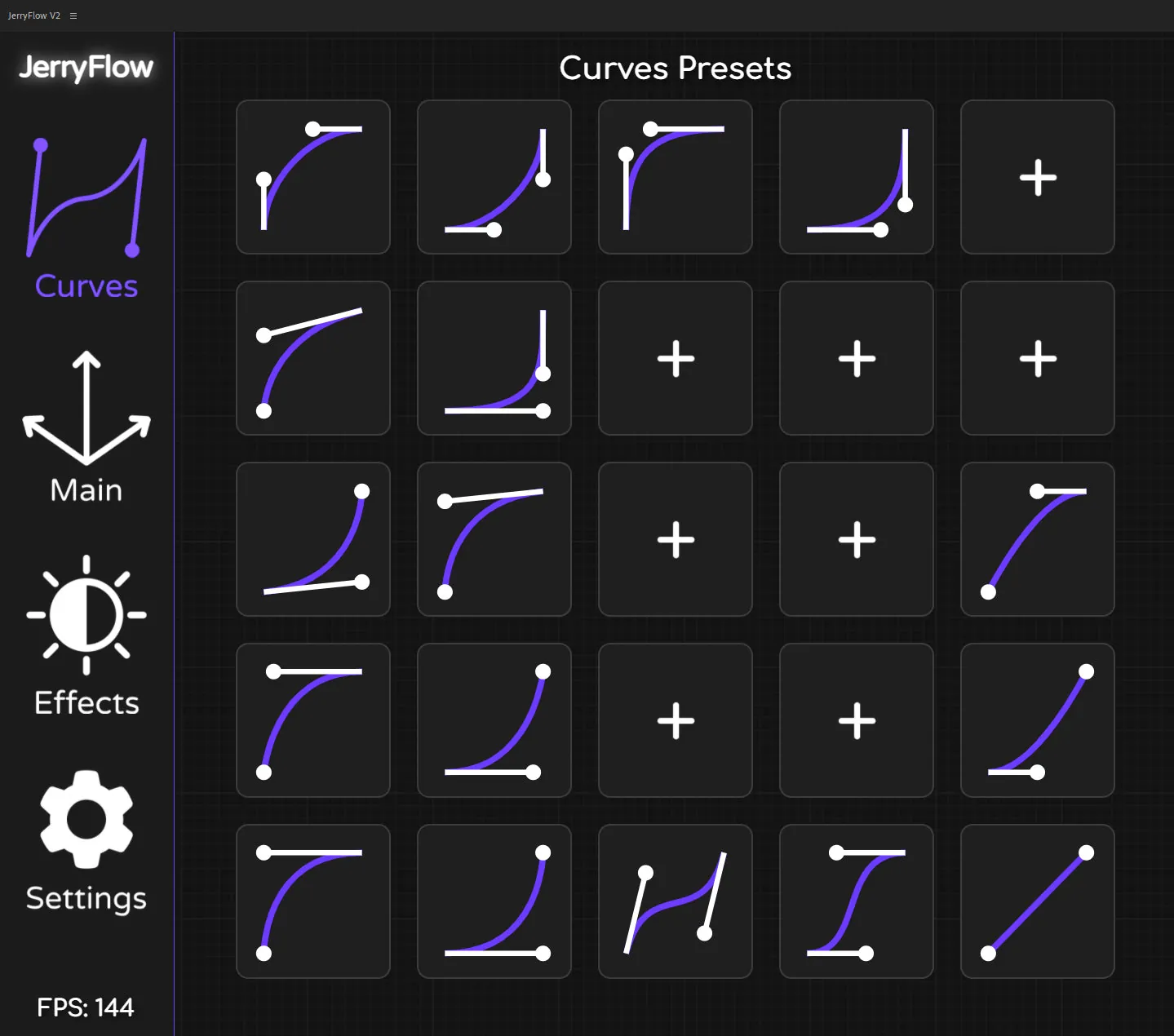
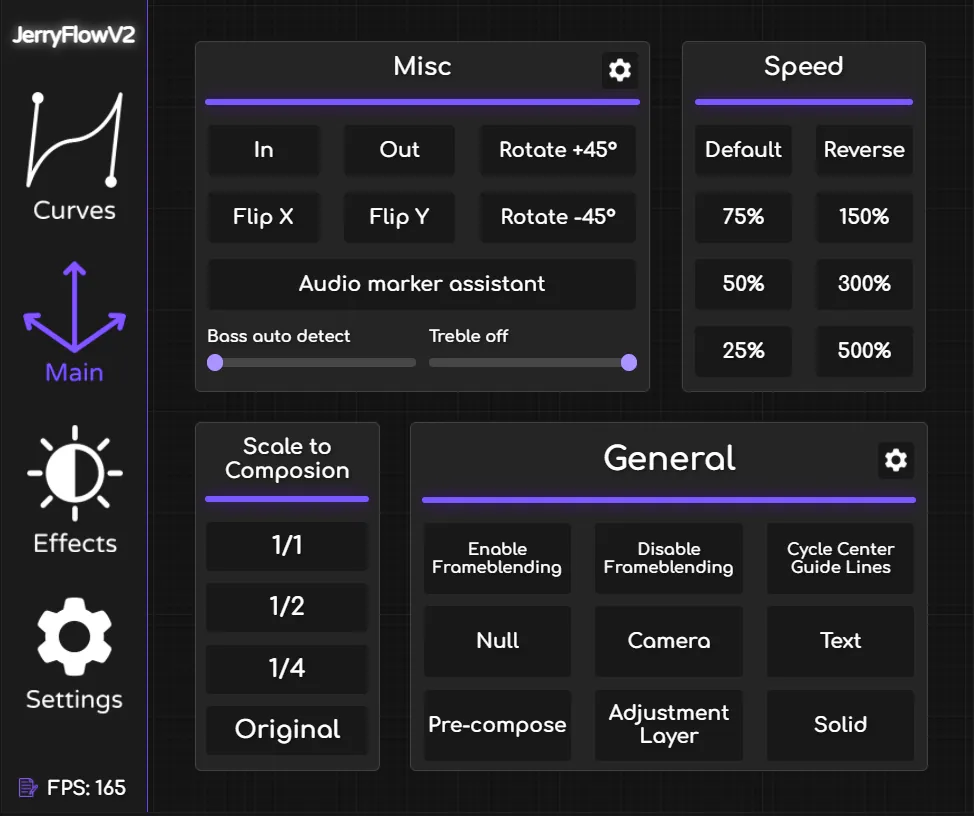
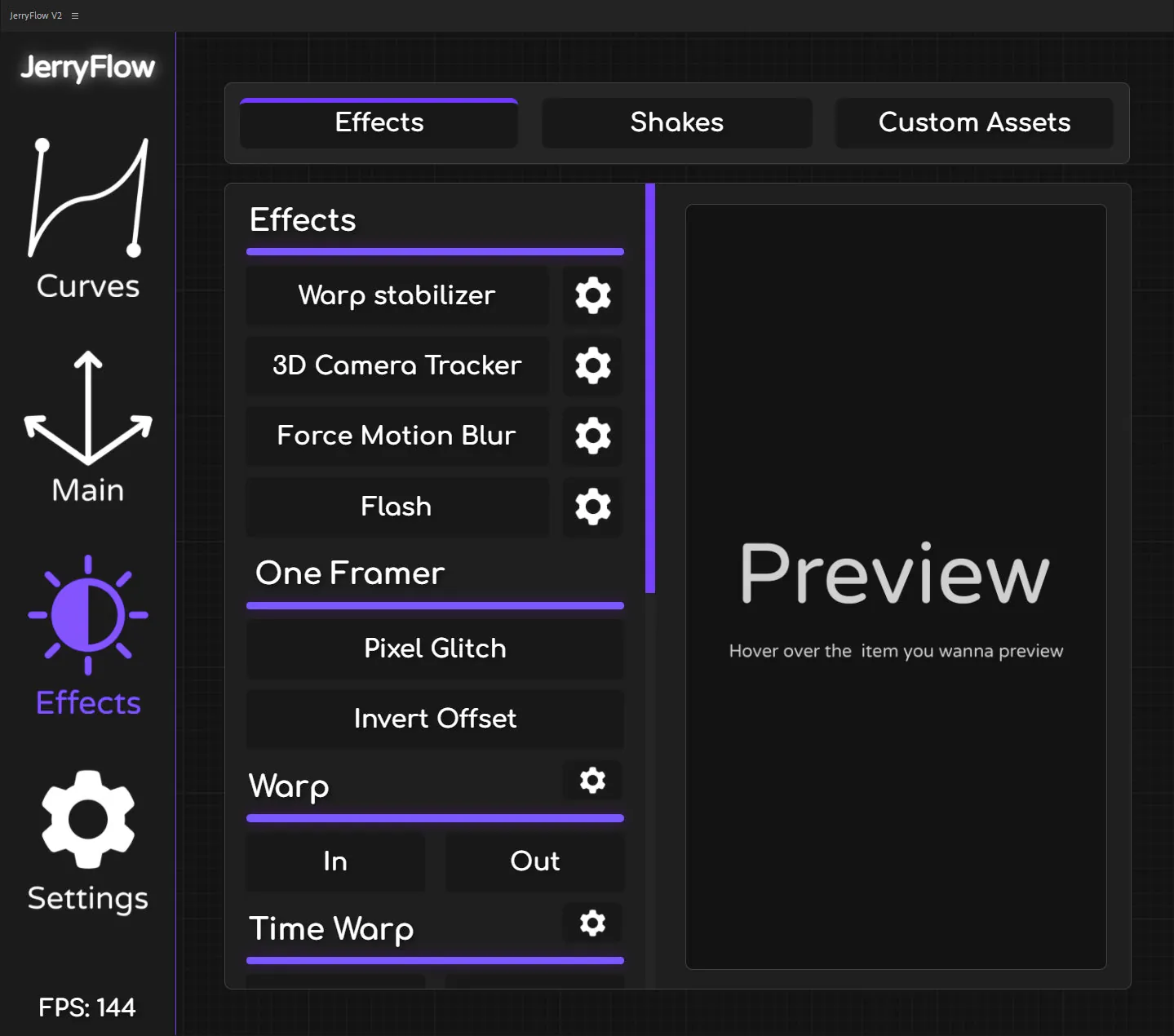
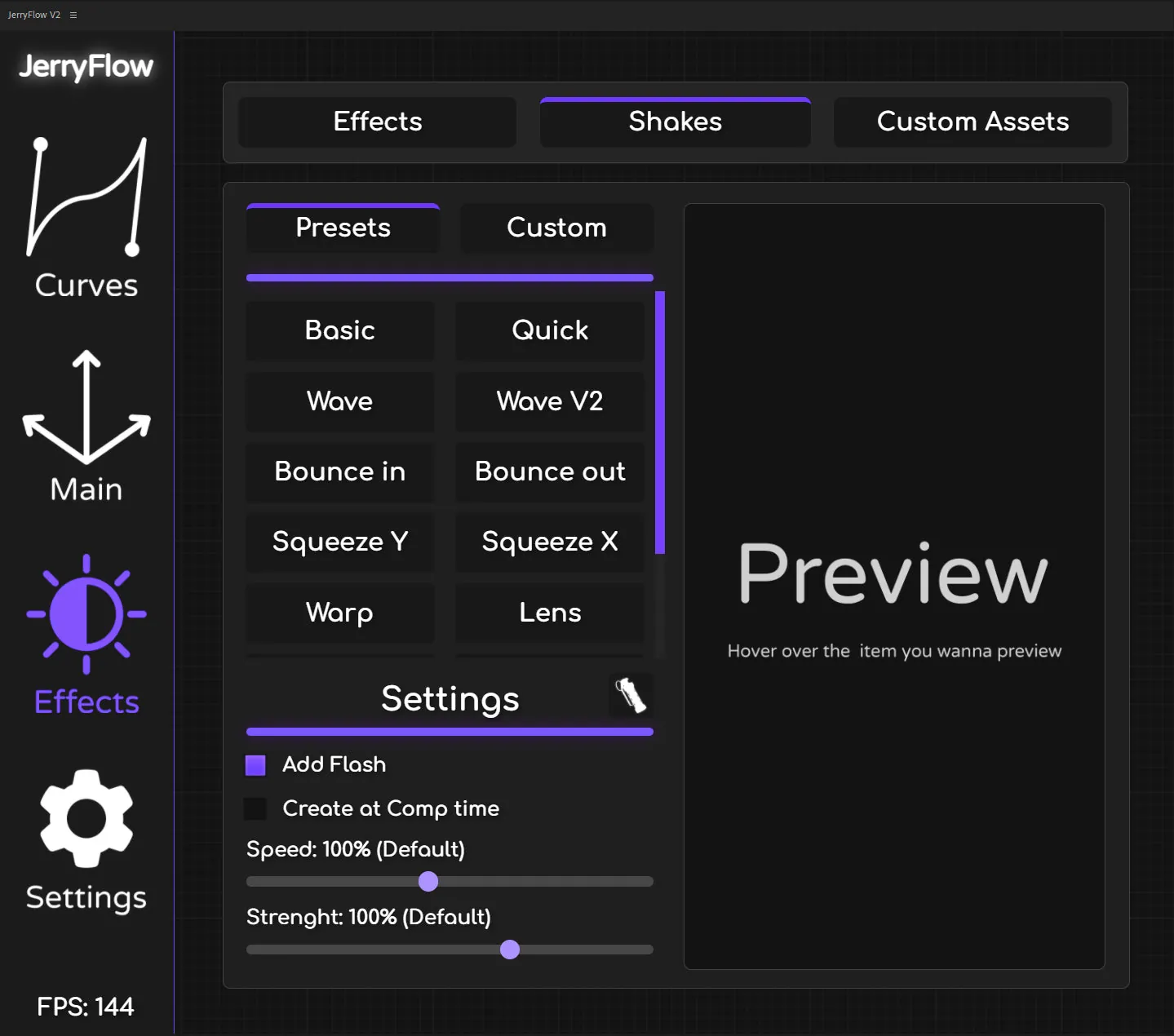
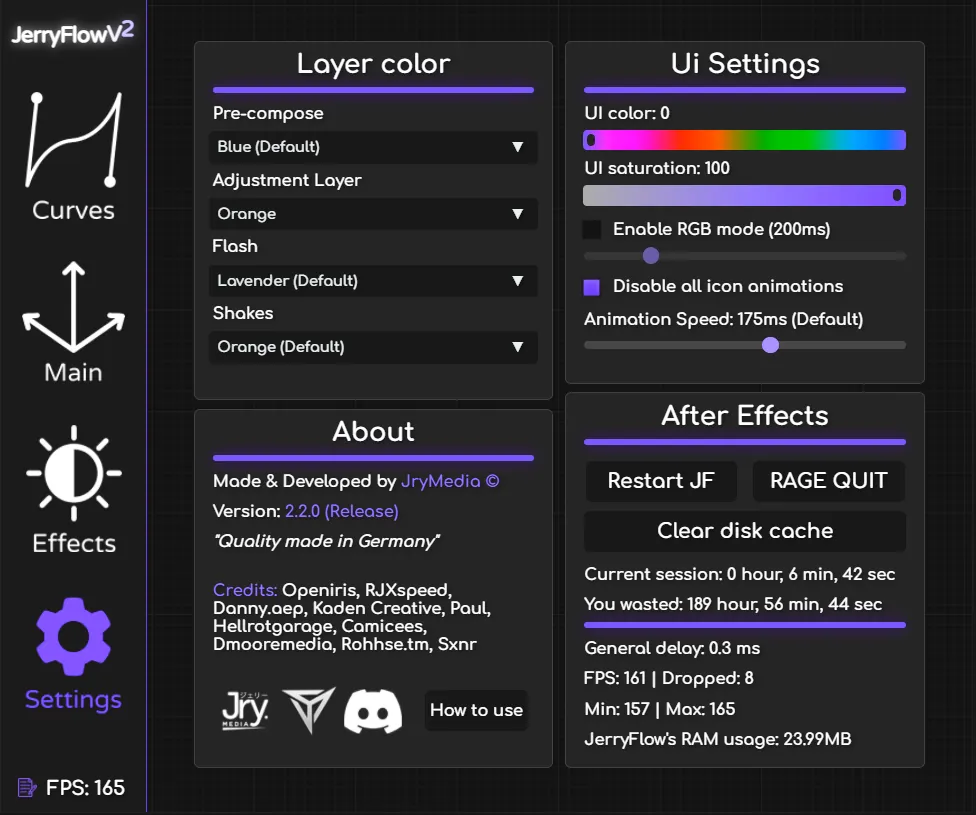
This version introduces a dynamic, fully customizable user interface designed to streamline your workflow and enhance your creative possibilities.
It is perfect for editors and motion designers who want faster animation control, smoother workflow, and improved efficiency while working on complex projects.
With enhanced performance and intuitive controls, JerryFlow V2 helps you focus more on creativity and less on repetitive tasks.
Key Features
- Customizable UI: Fully dynamic user interface that adapts to your workflow needs and preferences.
- Faster Animation Control: Intuitive controls for quicker keyframe management and easing adjustments.
- Improved Efficiency: Significantly reduces repetitive tasks so you can focus entirely on creative work.
- Smooth Workflow: Enhanced performance designed for complex, multi-layer After Effects projects.
- After Effects Native: Built specifically for Adobe After Effects with seamless integration into your existing pipeline.
How to Install
Getting started with JerryFlow V2 is quick and straightforward:
- Download: Click the download button and save the archive to your system.
- Extract: Unzip the downloaded file using WinRAR or macOS Archive Utility.
- Install: Copy the script/extension file into your After Effects Scripts or ScriptUI Panels folder.
- Launch: Open After Effects, go to Window → JerryFlow V2 to access the panel.
🔗 Related Resources
Frequently Asked Questions
Does JerryFlow V2 work on both Windows
and Mac?
Yes. JerryFlow V2 is fully compatible with both
Windows and macOS versions of Adobe After Effects.
Which After Effects version is
required?
JerryFlow V2 supports Adobe After Effects CC 2020
and newer versions for optimal performance.
Is this plugin free?
Yes. This resource is completely free to download
and use for both personal and commercial projects.
Gallery