Motion Tools Pro – Ultimate After Effects Toolkit ⚡
Description
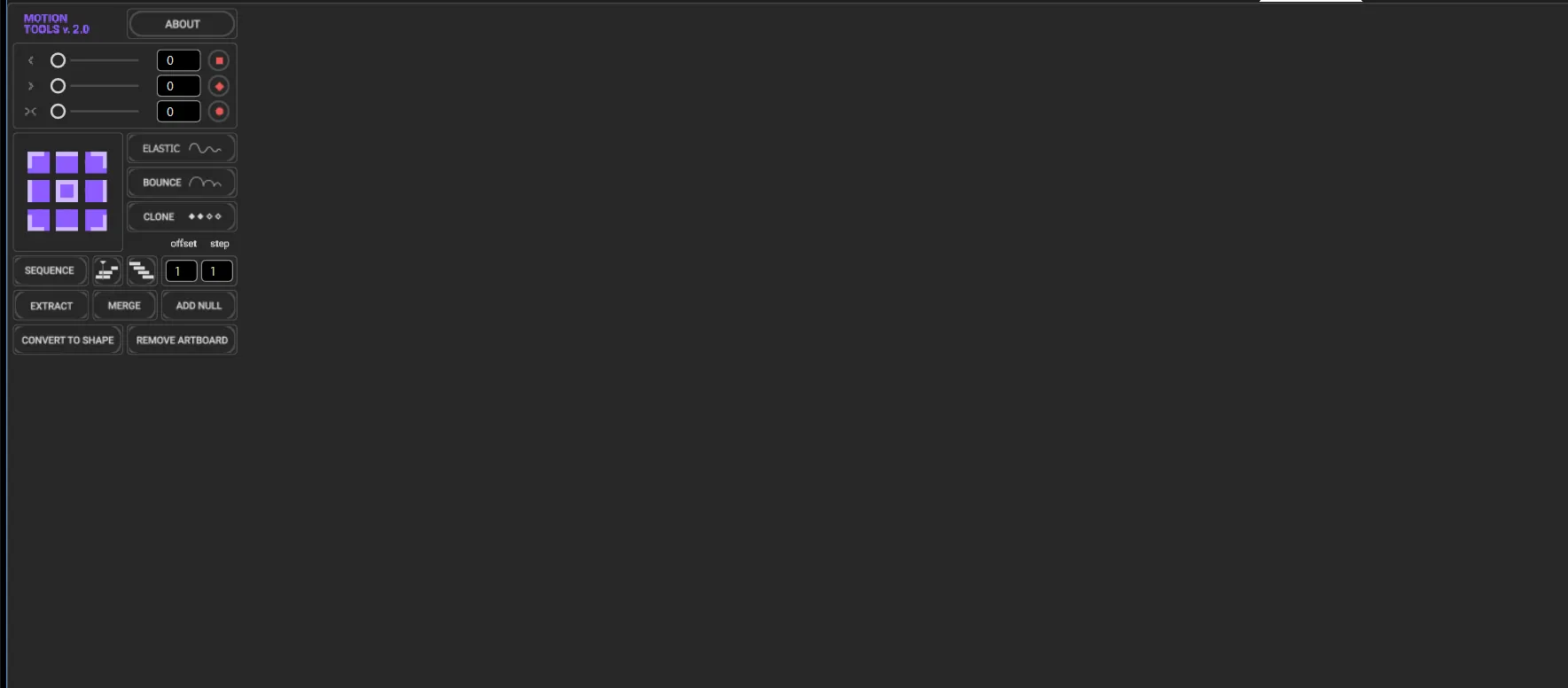
Motion Tools Pro is an advanced toolkit designed to enhance your workflow inside Adobe After Effects.
It acts as a powerful command center, giving you access to essential tools, smart widgets, and useful expressions all in one place.
This plugin is built to speed up your editing process, reduce repetitive tasks, and improve efficiency for motion designers and editors.
With its intuitive interface and powerful features, Motion Tools Pro allows you to work faster and smarter while maintaining full creative control.
Key Features
- All-in-One Dashboard: Access essential tools, widgets, and expressions from a single command center.
- Workflow Optimization: Specifically built to reduce repetitive tasks and speed up your editing process.
- Smart Widgets: Intelligent tools that adapt to your needs and enhance your motion design efficiency.
- Powerful Expressions: A library of useful expressions at your fingertips for complex animations made easy.
- Intuitive Interface: A clean and professional UI that keeps your workspace organized and productive.
How to Use Motion Tools Pro
Integrating Motion Tools Pro into your daily workflow is seamless:
- Installation: Place the script files into your After Effects 'Scripts/ScriptUI Panels' folder.
- Launch: Open After Effects and find Motion Tools Pro under the 'Window' menu.
- Docking: Dock the panel anywhere in your workspace for easy access to its powerful tools.
- Execute: Select your layers and use the widgets or tools to apply transformations and animations instantly.
🔗 Related Resources
Gallery