JerryShakes – Cinematic Shake Preset Pack 🎬🔥
Description
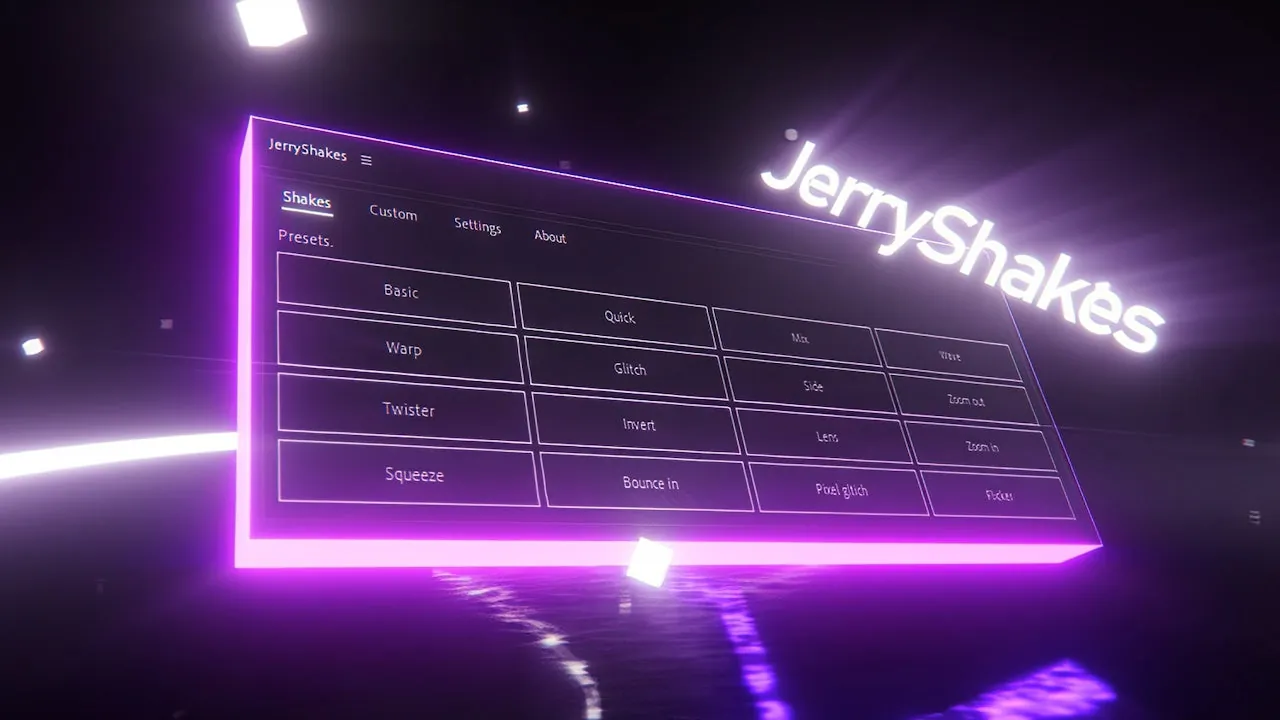
JerryShakes is a powerful preset pack for Adobe After Effects designed to add cinematic camera shake effects to your edits instantly.
It includes a variety of professional shake styles such as smooth motion, intense impact shakes, handheld camera feel, and dynamic transitions.
This pack is perfect for editors who want to enhance their videos with realistic motion effects without spending hours animating manually.
With easy drag-and-drop functionality, JerryShakes helps speed up your workflow while delivering high-quality results.
Key Features
- Cinematic Varieties: Smooth motion, intense impacts, and realistic handheld feels.
- Speed Up Workflow: Instant drag-and-drop application without manual keyframing.
- High-Quality Motion: Designed by professionals to ensure natural, realistic movement.
- Dynamic Transitions: Perfect for adding energy between cuts in high-octane edits.
- Full Customization: Easily adjust intensity and speed to match your specific footage.
How to Use JerryShakes
Applying these presets to your project is incredibly simple:
- Import: Copy the preset files into your After Effects 'Presets' folder.
- Locate: Open the 'Effects & Presets' panel in After Effects and search for JerryShakes.
- Apply: Simply drag the desired shake preset onto your adjustment layer or clip.
- Adjust: Fine-tune the effect via the Effect Controls panel if needed.
🔗 Related Resources
Gallery