BOUNCr – Bounce Animation Script for After Effects ⚡
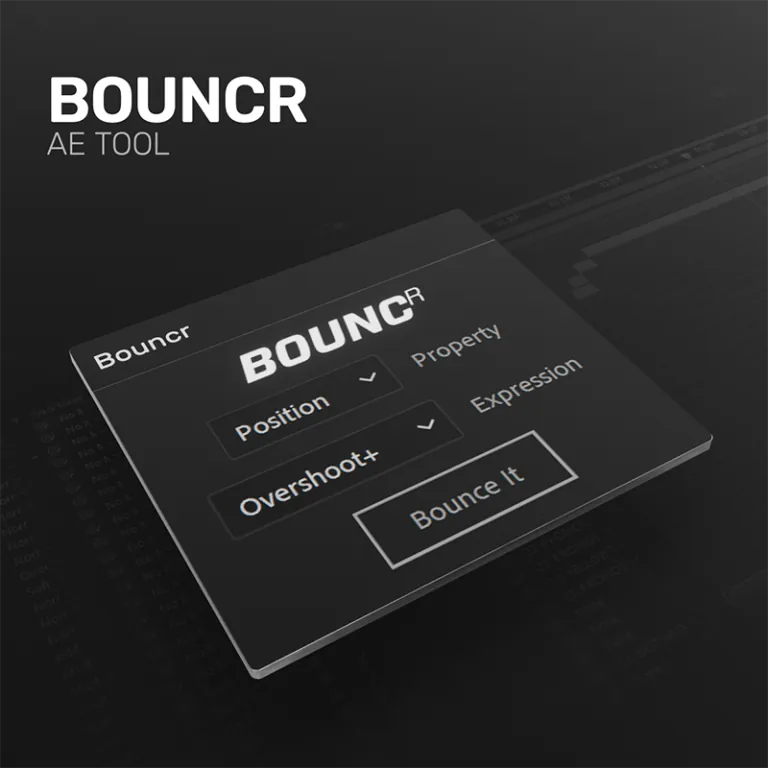
Description
BOUNCr is a powerful animation script for Adobe After Effects that helps you create smooth and natural bounce animations with minimal effort.
It simplifies complex animation curves by automatically generating realistic bounce motion, saving time and improving workflow efficiency.
This tool is perfect for motion designers who want to add dynamic movement, elasticity, and life to their animations without manually adjusting keyframes.
With its easy-to-use interface and smart automation, BOUNCr allows you to achieve professional-level results quickly and efficiently.
Key Features
- Realistic Bounce Motion: Automatically calculates physics-based bounce curves for natural movement.
- Smart Automation: Generates complex animations from simple keyframes in seconds.
- Elasticity Control: Easily adjust the bounce intensity and frequency to match your design.
- Workflow Booster: Eliminates the need for manual curve editing and repetitive keyframing.
- User-Friendly Interface: Clean and minimal UI designed for fast access and productivity.
How to Use BOUNCr
Creating dynamic bounce animations is easier than ever:
- Installation: Copy the script file into your After Effects 'Scripts/ScriptUI Panels' folder.
- Access: Launch BOUNCr from the 'Window' menu in After Effects.
- Select: Highlight the layers or keyframes you want to apply the bounce effect to.
- Apply: Customize your settings and click 'Bounce' to generate the animation instantly.
🔗 Related Resources
Gallery