Auto Beat Marker Script – After Effects Audio Sync Tool 🎧⚡
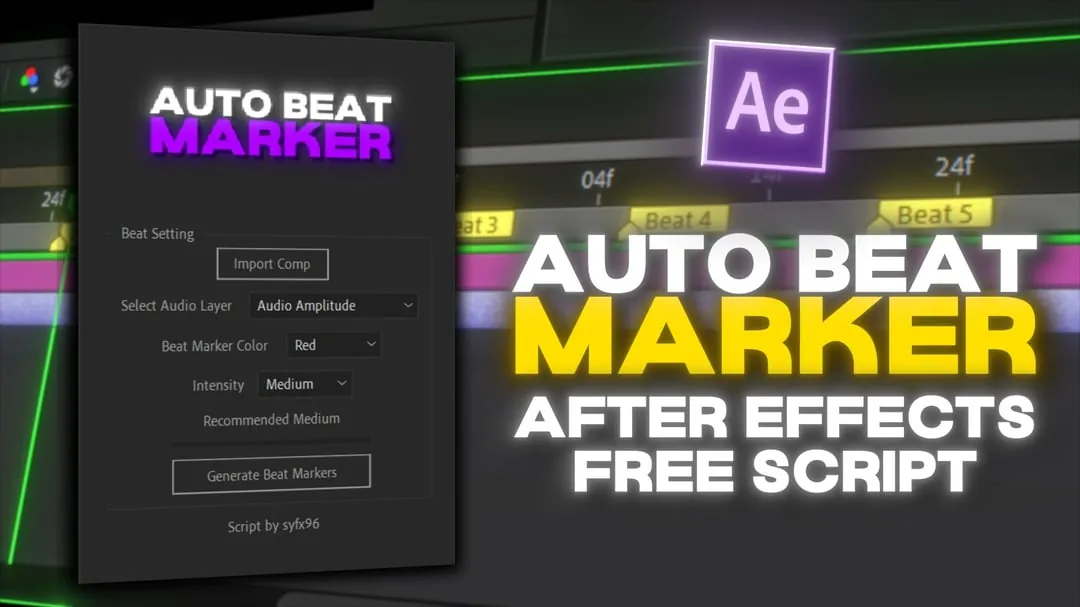
Description
Auto Beat Marker is a powerful script for Adobe After Effects that helps you automatically detect beats from audio tracks and place markers on the timeline.
This tool is extremely useful for editors who create music edits, reels, or cinematic videos that require perfect beat synchronization.
Instead of manually adding markers, the script analyzes the audio and generates accurate beat markers instantly, saving a lot of time and effort.
It improves workflow speed and helps maintain precise timing, making your edits more professional and engaging.
Perfect for video editors, motion designers, and content creators working with music-based projects.
Key Features
- Automatic Beat Detection: High-precision audio analysis to find the perfect beat.
- Precise Marker Placement: Automatically adds markers to your timeline for instant synchronization.
- Custom Sensitivity: Adjust the detection algorithm to match different music genres and tempos.
- Speed Up Editing: Saves hours of manual work on music-heavy projects and reels.
- Easy-to-Use: Simple interface that integrates directly into your After Effects workspace.
How to Use Auto Beat Marker
Sync your edits to any track in seconds:
- Import: Copy the script file into your After Effects 'Scripts' folder.
- Select: Select your audio layer in the After Effects composition timeline.
- Run: Run the Auto Beat Marker script from the 'File > Scripts' menu.
- Generate: Set your preferences and click 'Apply' to see markers appear on the beat.
🔗 Related Resources
Gallery