Plugins & Scripts

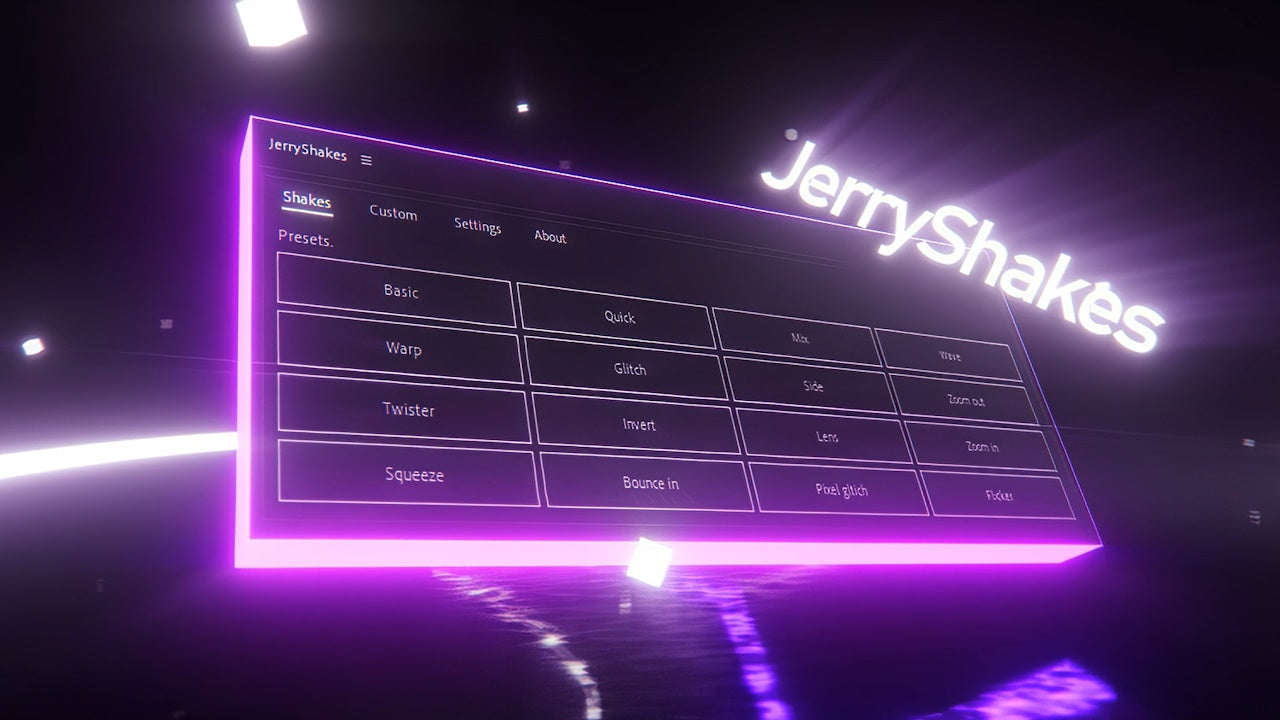
JerryShakes

JerryShakes Preview
JerryShakes Screenshot 1
JerryShakes Screenshot 2
JerryShakes Screenshot 3
JerryShakes Screenshot 4
Download Asset
  • Version1.0
  • File Size15 MB
  • Platform Windows & macOS
  • LicenseFree / Commercial
  • DeveloperJerry
Passed Security Scan

A premium camera shake preset library for After Effects. Ditch the basic wiggle expression and use real, organically captured handheld motion to add life to your composites.

Downloads 42,500+
Last Updated July 2026
Rating 4.9/5

Engineered for Speed

Organic Motion

Built from real motion-tracked handheld camera data, not mathematical noise generation.

Impact Shakes

Includes specialized heavy-impact shakes perfect for explosive VFX, typography slams, and transitions.

One-Click Apply

Uses the native Animation Presets (.ffx) system. Just drag and drop onto an adjustment layer.

Motion Blur Integration

Perfectly interacts with After Effects' native motion blur to create realistic streaking during fast shakes.

What's Included

Shake Presets 30+
Format .FFX
Resolution Any
Guide PDF

Installation Guide

1

Download Presets

Download the JerryShakes .zip archive.

2

Extract FFX Files

Unzip the folder containing the .ffx preset files.

3

Move to Presets

Place the folder in Documents / Adobe / After Effects / User Presets.

4

Apply via Effects

Open the 'Effects & Presets' panel in AE, search for JerryShakes, and drag onto an Adjustment Layer.

Compatibility

After Effects After Effects
Windows 10/11
macOS

Why Download From PRADUMNA_FX

Virus Checked
Every file is scanned for malware before being uploaded.
Fast Download
Hosted on global edge networks for maximum speed.
Weekly Updates
We continuously update extensions to ensure compatibility.
Commercial Use
Use tools safely across personal and client projects.

Frequently Asked Questions

When you shake an image, it moves off-screen. Apply the 'Motion Tile' effect before the shake, check 'Mirror Edges', and increase Output Width/Height to 115.
It is highly recommended to apply these presets to an Adjustment Layer at the top of your composition to shake the entire frame.
Yes! The presets expose a 'Shake Amount' slider effect. Lower the value to decrease the intensity of the shake.
No, while some use advanced stacked wiggles for specific frequencies, most rely on complex keyframe data for organic realism.
No, .ffx files are exclusive to After Effects.

Share Resource