JerryFlow v2
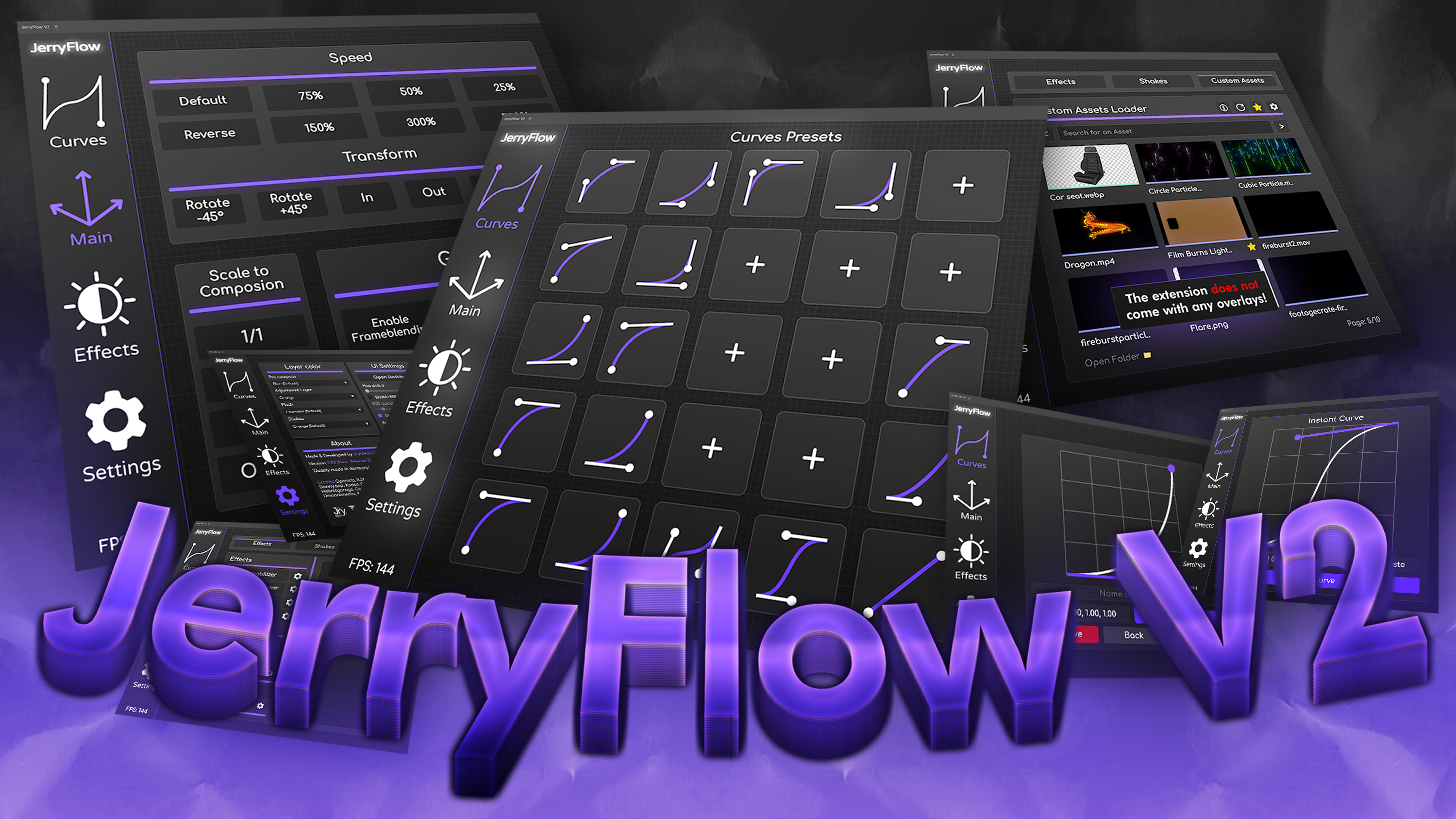


- Version2.0
- File Size5 MB
- Platform Windows & macOS
- LicenseFree / Commercial
- DeveloperJerry
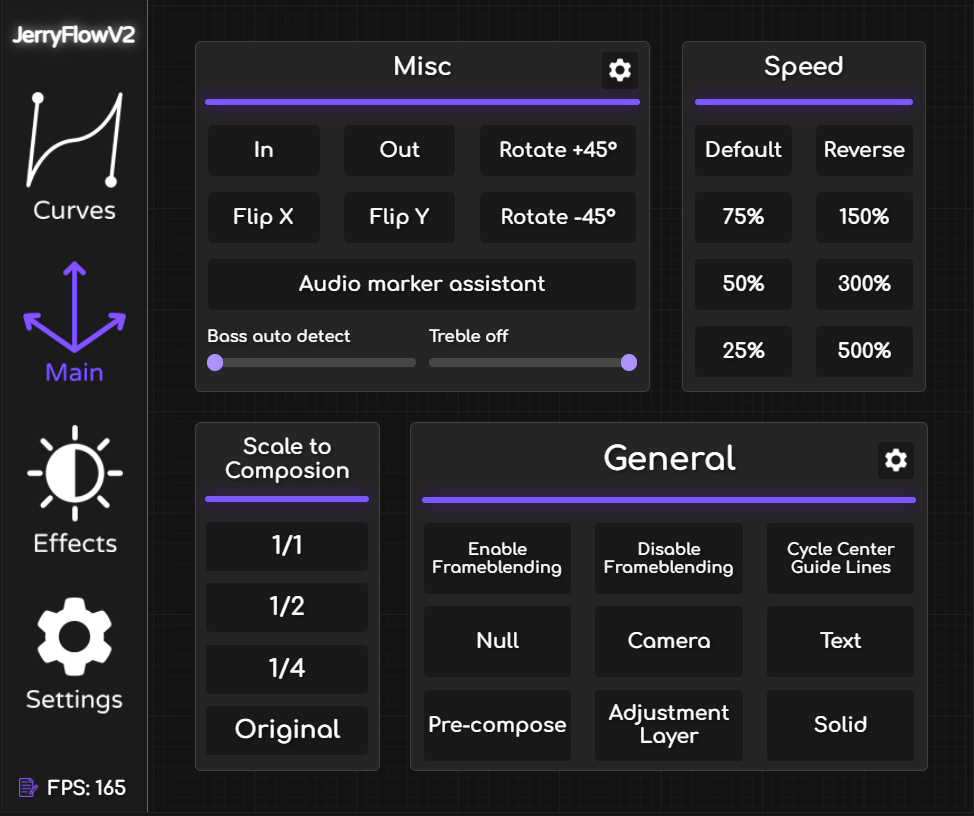
A specialized animation curve and easing utility built specifically for fast-paced motion designers. Create buttery smooth transitions with minimal UI interaction.
Engineered for Speed
Instant Easing
Apply complex cubic-bezier curves to selected keyframes instantly via a compact, non-intrusive panel.
Curve Library
Comes pre-loaded with the most popular easing presets used in modern UI/UX and commercial motion graphics.
Velocity Copy
Copy the exact incoming and outgoing velocity from one keyframe and paste it to another layer.
Expression Free
JerryFlow alters the actual keyframe velocity data, keeping your project expression-free and render times low.
What's Included
Installation Guide
Download Panel
Download the JerryFlow v2 package.
Access ScriptUI
Navigate to After Effects / Support Files / Scripts / ScriptUI Panels.
Install
Move the JerryFlow.jsxbin file into the folder.
Launch
Open After Effects, go to Window > JerryFlow, and dock the interface.
Compatibility
 After Effects