Plugins & Scripts

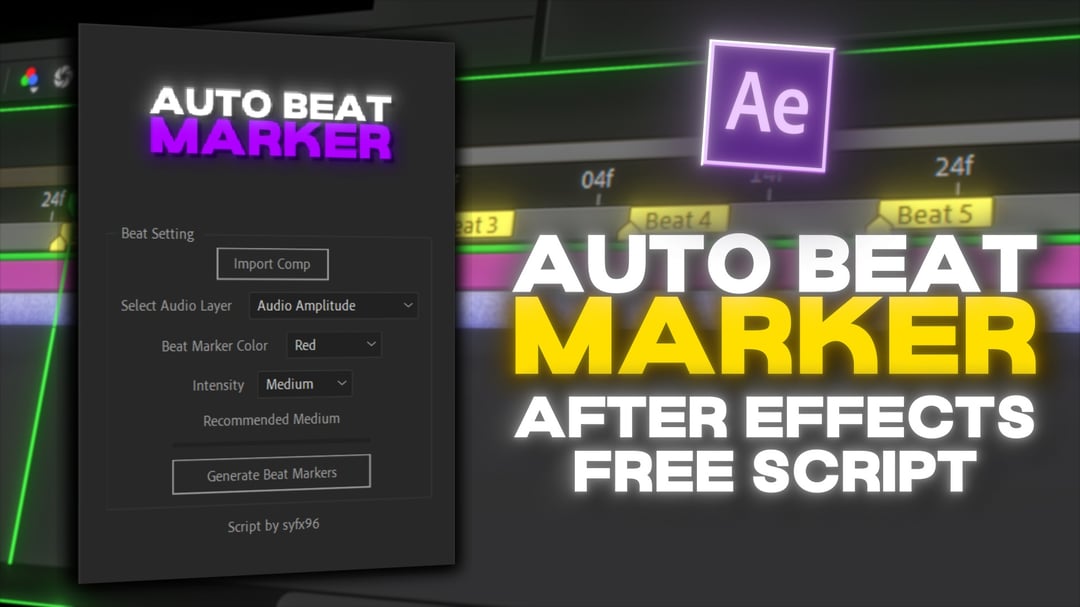
Auto Beat Marker

Auto Beat Marker Preview
Auto Beat Marker Screenshot 1
Auto Beat Marker Screenshot 2
Auto Beat Marker Screenshot 3
Auto Beat Marker Screenshot 4
Download Asset
  • Version1.2
  • File Size3 MB
  • Platform Windows & macOS
  • LicenseFree / Commercial
  • DeveloperAeScripts
Passed Security Scan

A revolutionary script that analyzes audio tracks and automatically places timeline markers on the beats. Essential for music video editors and motion designers doing audio-reactive animations.

Downloads 42,500+
Last Updated July 2026
Rating 4.9/5

Engineered for Speed

Waveform Analysis

Scans audio amplitude to accurately detect transient peaks like kick drums and snares.

BPM Generation

Calculates the exact Beats Per Minute and places perfectly spaced layer markers.

Threshold Control

Filter out background noise by adjusting the dB detection threshold before marking.

Expression Ready

Markers can instantly drive scale or opacity bounces using simple marker.key(1).time expressions.

What's Included

Script File .jsxbin
Presets Expressions
Documentation PDF
Tutorial MP4

Installation Guide

1

Download Script

Download the Auto Beat Marker .jsxbin script file.

2

Copy to Scripts

Navigate to your Adobe After Effects / Support Files / Scripts folder.

3

Paste into ScriptUI

Place the file specifically into the 'ScriptUI Panels' subfolder to use it as a dockable window.

4

Launch Panel

Open After Effects, go to Window > Auto Beat Marker.jsxbin to open the interface.

Compatibility

After Effects After Effects
Windows 10/11
macOS

Why Download From PRADUMNA_FX

Virus Checked
Every file is scanned for malware before being uploaded.
Fast Download
Hosted on global edge networks for maximum speed.
Weekly Updates
We continuously update extensions to ensure compatibility.
Commercial Use
Use tools safely across personal and client projects.

Frequently Asked Questions

Pre-compose your audio, apply a Low Pass or Parametric EQ effect to isolate the low frequencies, and run the script on that pre-comp.
Yes! If you place the markers on the composition timeline (not a layer), they will carry over to Premiere via Dynamic Link.
Markers snap to frames. If your audio beat lands between frames (e.g., at 24fps), the marker will snap to the nearest frame.
Yes, but analyzing a 10-minute track may take up to 30 seconds depending on your CPU.
Yes, once markers are placed, you can use Premiere's 'Automate to Sequence' feature using the imported AE composition.

Share Resource