GTR
Description
Automotive video editing relies heavily on high-quality, stable, and aesthetically pleasing raw footage to practice color grading, pacing, and visual effects. This specific raw clip package serves as the ultimate training ground for modern editors. Finding clean, un-watermarked, and beautifully composed raw clips of high-end vehicles is notoriously difficult, which is why we secured and formatted this footage explicitly for our creative community.
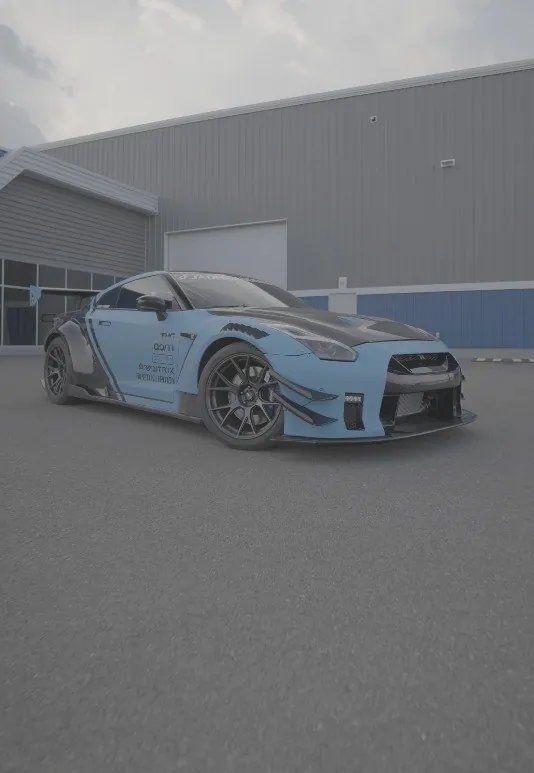
Whether you are putting together an aggressive phonk edit for TikTok, assembling a high-end luxury lifestyle reel for Instagram, or simply practicing your speed-ramping techniques in Adobe Premiere Pro or DaVinci Resolve, this footage provides the perfect baseline canvas. The vehicle's striking aerodynamic curves and aggressive stance translate beautifully on camera, allowing you to experiment with heavy contrast grades and dynamic tracking effects.
We have intentionally left the files completely un-graded (log/flat profile) to grant you absolute maximum dynamic range. This gives editors the flexibility to pull back highlights, crush shadows, and apply extreme custom LUTs without degrading the fundamental image quality or introducing unwanted color banding.
Key Features
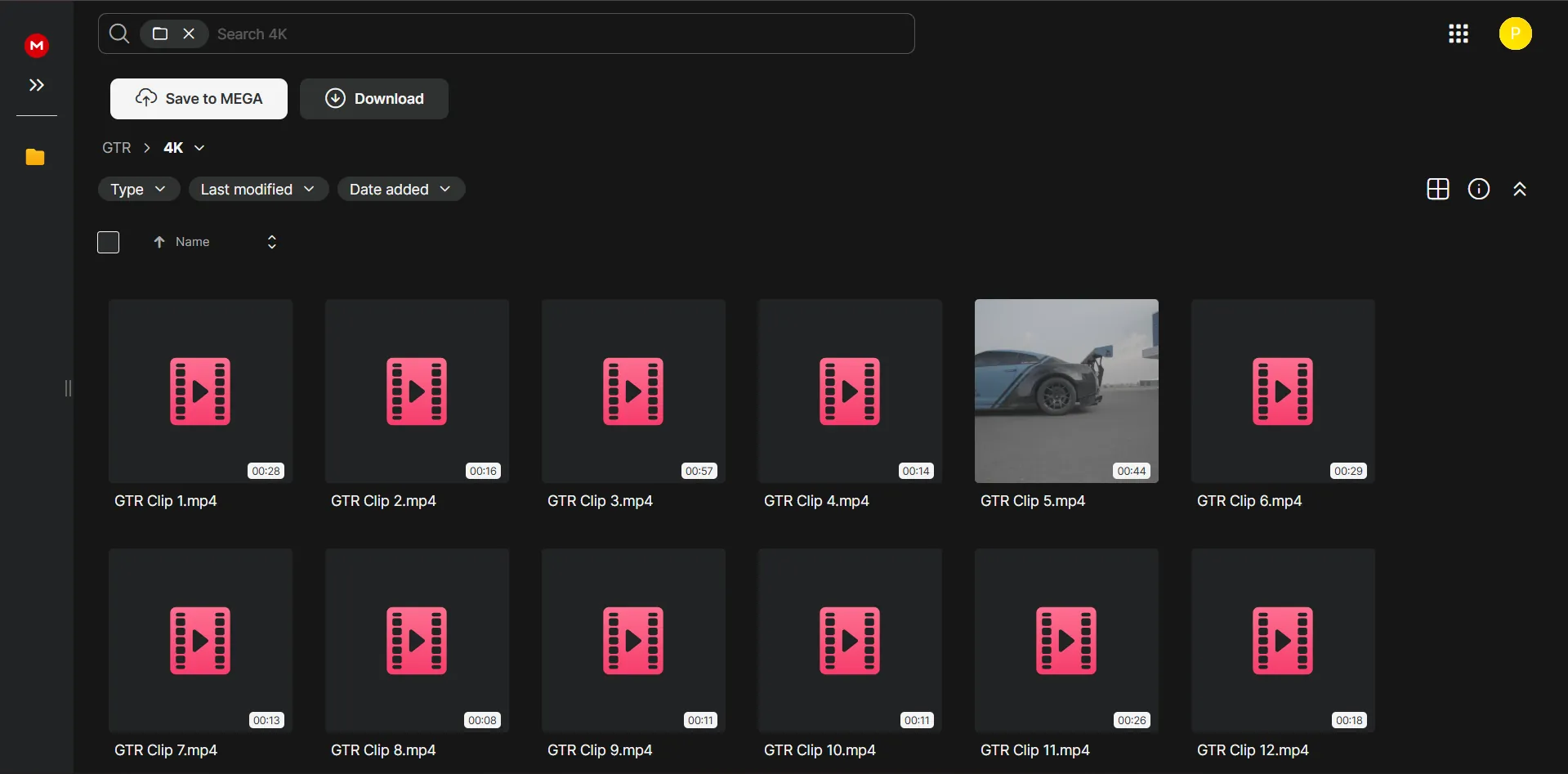
- Ultra High Definition 4K: Provided in maximum 4K resolution, allowing you to crop and reframe without losing any critical sharpness.
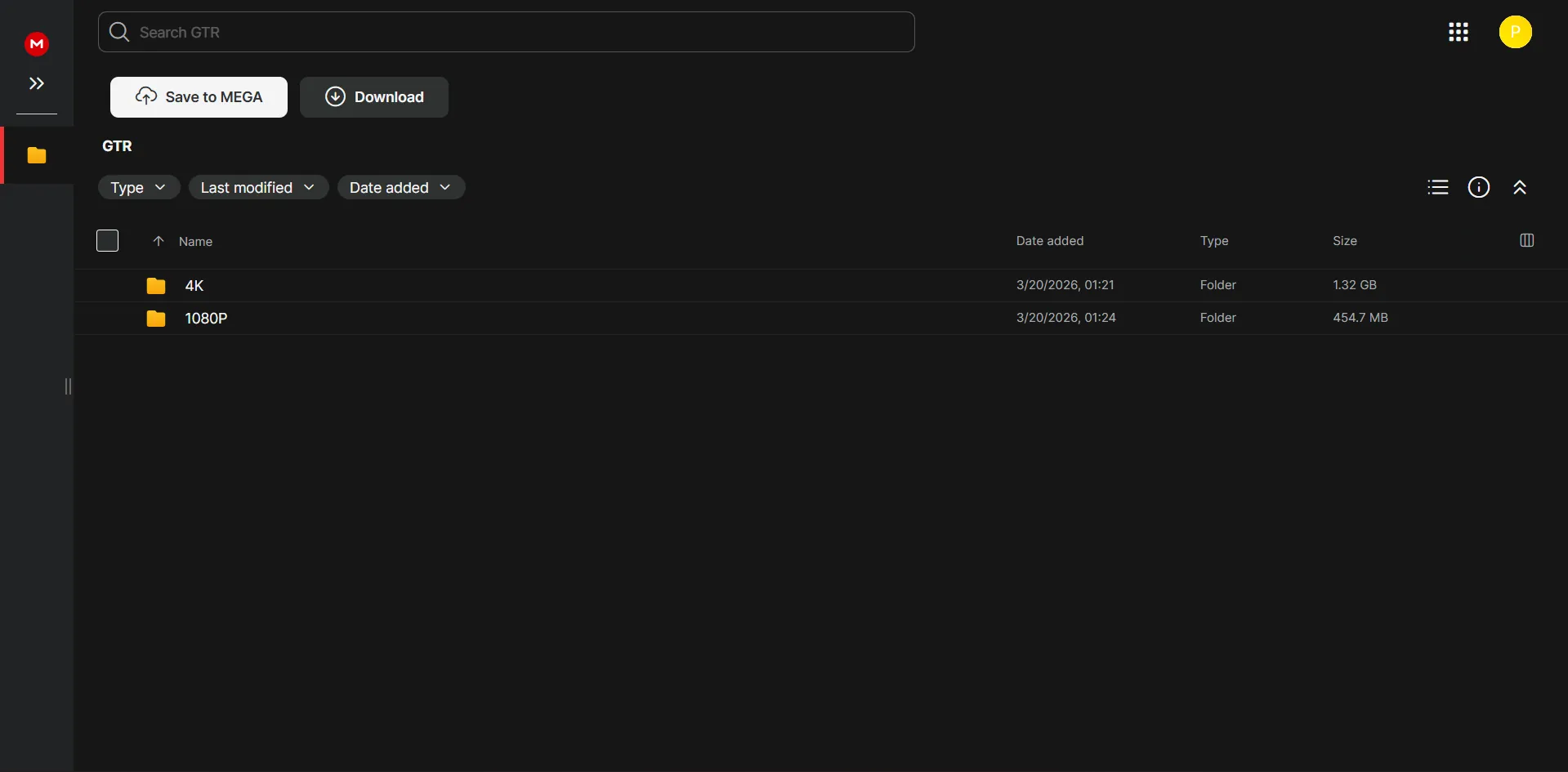
- 1080p Lightweight Option: For editors on slower machines or simply practicing rapid timeline slicing, a perfectly compressed 1080p version is included.
- Vertical Aspect Ratio Ready: Pre-framed variations intended specifically for immediate drop-in use on TikTok, Instagram Reels, and YouTube Shorts.
- Flat Color Profile: Maximum dynamic range preserved to accept aggressive color grading and stylized cinematic LUTs effortlessly.
- Unrestricted Practice License: Use these clips openly for your personal editing portfolios, social media edits, and software tutorials without fear of takedowns.
How to Use in Your Editing Workflow
Integrating these raw clips into your software is simple. Here is a recommended workflow:
- Download & Unzip: Click the secure download link and extract the folder to your dedicated media drive for optimal reading speeds.
- Import to NLE: Drag the desired resolution files (4K or 1080p) directly into the Project Bin of Premiere Pro, After Effects, or DaVinci Resolve.
- Apply Color Conversion: Since the clips are flat, your first step should be applying a standard Rec.709 conversion LUT or manually adjusting the primary color wheels.
- Edit & Stylize: Employ time-remapping, directional blur, and sound design to match the aggressive energy of the footage.
Why We Recommend It
At PRADUMNA_FX, we know that standard stock footage of cars is often incredibly plain and boring. We source clips that actually possess the aggressive, cinematic style highly sought after in the editing community. This clip was chosen specifically for its framing, making it the ultimate practice tool for modern automotive editors looking to build out their showreels.
🔗 Related Resources
Frequently Asked Questions
Gallery