AtomX Extension Latest Version
for After Effects & Premiere Pro
The ultimate workflow extension for Adobe After Effects and Premiere Pro. Instantly browse, preview, and apply thousands of professional motion graphics, transitions, and VFX directly into your timeline.
- Versionv3.0.8 (Latest)
- File Size245 MB
- LicenseFree / Commercial Use
- Platform Windows & macOS
- DeveloperAtomX / PRADUMNA_FX
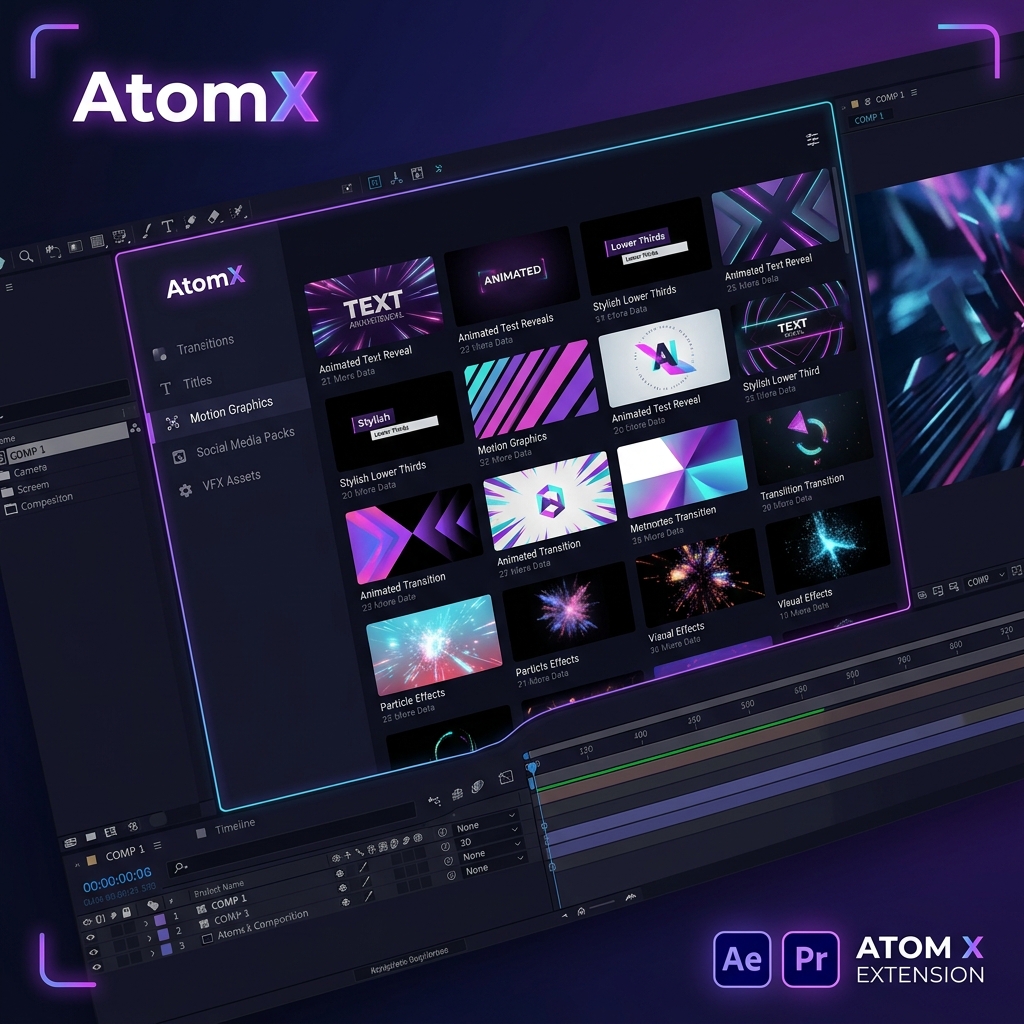
Quick Information
Lightning Fast
Optimized extension engine that loads thousands of presets without slowing down your editing timeline.
One-Click Install
Import motion graphics, titles, and effects directly into your composition with a single click. No manual dragging required.
Works Offline
Once the packages are downloaded and installed, the entire extension functions 100% offline securely.
Premium Templates
Seamlessly integrates with the biggest marketplace of Adobe After Effects and Premiere Pro template packs.
Auto Updates
Built-in updater automatically patches the extension to the latest stable version when connected to the internet.
Hardware Accelerated
Utilizes GPU acceleration for rendering live previews instantly right inside the extension window.
What's Included
Installation Guide
1. Download the ZXP File
Click the download button to grab the latest AtomX extension archive and unzip it on your local drive.
2. Install ZXP Installer
Use Aescripts ZXP Installer or directly copy the unzipped folder into your Adobe CEP extensions directory.
3. Launch Adobe
Open Premiere Pro or After Effects. Navigate to Window → Extensions → AtomX in the top menu.
4. Import Packages
Inside the AtomX panel, click the install button and select any supported .atom file package to load assets.